The Hidden Library Behind "Your Storage Is Almost Full"
When a SharePoint tenant is close to its storage limit and the numbers do not add up, the Preservation Hold Library is the first place to look. It is a hidden system library that SharePoint creates on any site covered by a Microsoft Purview retention policy, retention label, litigation hold or eDiscovery hold. Every time someone edits or deletes a file that is under retention, the original is copied into it, and that copy counts against your storage exactly as the live file did. What the library is and why it exists is covered elsewhere on this site. This guide is about measuring it: on one site, then on every site in the tenant, and what the total means once you have it.
Two questions on Microsoft Q&A show why the measurement matters. In one, a tenant sits at 90% of its SharePoint storage under a seven-year tenant-wide retention policy, and every attempt to trim versions is blocked by the hold. In another, a single generated file had accumulated over 40,000 versions, roughly 760 GB, in a 1,024 GB tenant, and deleting it produced a hold error. In both cases the storage was not where the administrators were looking. It was in retained copies.
Why It Grows Faster Than the Live Content
The rules that fill the library are simple, and they compound. Under a retention policy, editing a file copies the original to the Preservation Hold Library and so does deleting it. Under a standard retention label, deletion creates the copy. Under a label that marks items as records, editing an unlocked record creates one. For content under a retention policy or an eDiscovery hold, the library's own version limits are ignored until the retention period ends, so every version of every edited file is kept, whatever the library settings say.
That is why "clean-up projects" so often make storage go up. A team deletes 200 GB of old project files, empties the recycle bin, and the site appears empty. A week later the tenant total is higher, because every deleted file and every one of its versions has been copied into a library nobody can see. The same mechanism applies to OneDrive accounts, which are SharePoint site collections underneath, and to sites whose retention policy was switched off years ago: turning a policy off stops new copies, but it does not remove the ones already there.
Find It on One Site
The library never appears in Site contents or in the navigation. It is visible only to site collection administrators, and only by direct URL:
https://<tenant>.sharepoint.com/sites/<site>/PreservationHoldLibrary/Forms/AllItems.aspx
Replace the tenant and site names. If the page returns a not-found error, the site has never been under retention and there is nothing to measure. If it returns access denied, you are a site owner rather than a site collection administrator; the SharePoint admin centre can add you under the site's Membership tab.
The size is easier to read from the site's Storage Metrics page:
https://<tenant>.sharepoint.com/sites/<site>/_layouts/15/storman.aspx
Storage Metrics lists every library and list on the site, including hidden ones, with its total size and its share of the parent. The Preservation Hold Library row is what you want. Compare it with the sum of the document libraries users can see: when the held copies are larger than the live content, you have found the reason the site's figure in the admin centre looks wrong.
Find It on Every Site: PnP PowerShell
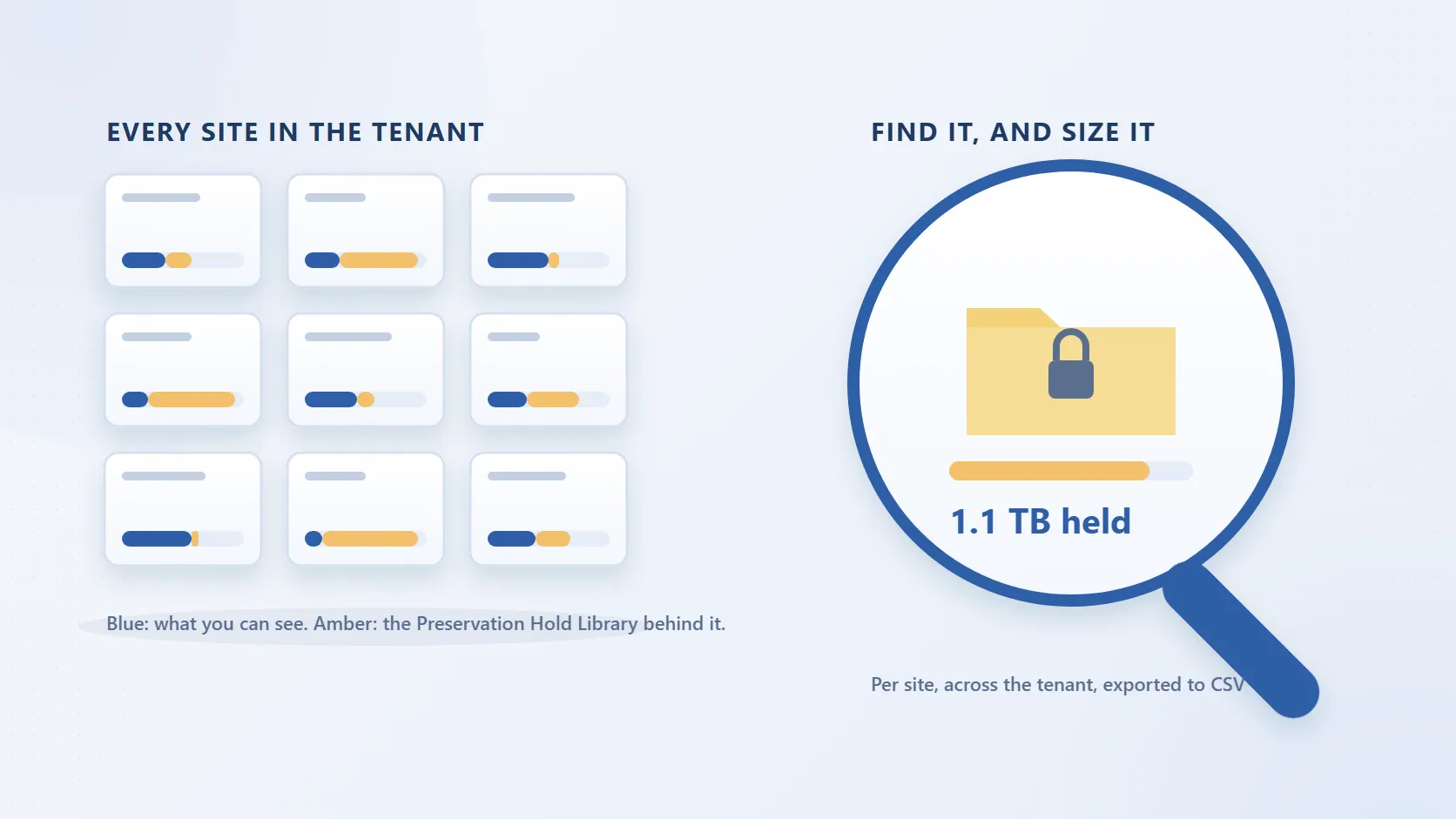
Storage Metrics works for one site. For a tenant of a few hundred or a few thousand sites you need a script. The one below uses PnP.PowerShell to list every site, connect to each, look for the list named "Preservation Hold Library" (internal name PreservationHoldLibrary), and record its item count and size next to the site's total. It exports a CSV sorted by held content, largest first.
Before you run it you need three things. The PnP.PowerShell module. An Entra ID app registration for the sign-in, which Register-PnPEntraIDAppForInteractiveLogin creates for you and whose client ID you pass on every connection. And rights on every site: SharePoint Administrator is required to list the sites, and reading a hidden library needs site collection administrator on each one. For an unattended run across a large tenant, use an app registration with a certificate and the Sites.FullControl.All application permission instead of interactive sign-in, and swap the -Interactive -ClientId arguments for -ClientId -Tenant -CertificatePath.
# Requires PnP.PowerShell, an Entra app registration for sign-in
# (Register-PnPEntraIDAppForInteractiveLogin) and SharePoint Administrator rights.
$clientId = "<your-app-client-id>"
$adminUrl = "https://contoso-admin.sharepoint.com"
$out      = "C:\Reports\PreservationHoldLibrary.csv"

Connect-PnPOnline -Url $adminUrl -Interactive -ClientId $clientId
$sites = Get-PnPTenantSite          # add -IncludeOneDriveSites to cover OneDrive accounts

$results = foreach ($site in $sites) {
    try {
        Connect-PnPOnline -Url $site.Url -Interactive -ClientId $clientId
        $phl = Get-PnPList -Identity "Preservation Hold Library" -Includes ItemCount -ErrorAction SilentlyContinue
        if ($null -eq $phl) { continue }     # site has never been under retention
        $metric = Get-PnPFolderStorageMetric -List $phl
        [pscustomobject]@{
            Site        = $site.Url
            SiteTotalGB = [math]::Round($site.StorageUsageCurrent / 1024, 2)   # StorageUsageCurrent is MB
            PhlItems    = $phl.ItemCount
            PhlGB       = [math]::Round($metric.TotalSize / 1GB, 2)             # TotalSize is bytes
            PhlPercent  = if ($site.StorageUsageCurrent -gt 0) {
                              [math]::Round(($metric.TotalSize / 1MB) / $site.StorageUsageCurrent * 100, 1)
                          } else { 0 }
        }
    }
    catch { Write-Warning "$($site.Url): $($_.Exception.Message)" }
}

$results | Sort-Object PhlGB -Descending | Export-Csv -Path $out -NoTypeInformation
Three caveats. First, the script makes at least two calls per site, and SharePoint Online throttles clients that make too many requests too quickly; PnP.PowerShell backs off and retries on a 429 response, but on a large tenant the run takes hours, so start it on a machine that will stay awake and run it outside business hours. Second, StorageUsageCurrent is the admin centre figure, which does not include changes made in the last 24 to 48 hours, so the percentage column is an approximation. Third, Get-PnPTenantSite leaves OneDrive accounts out by default; add -IncludeOneDriveSites if departed-user OneDrives are part of the question, and expect the run to be much longer.
Reading the Numbers
A large Preservation Hold Library is not a fault. It is retention doing what it was configured to do. What the CSV tells you is where the held content is, and the pattern usually falls into one of three shapes.
Sites where the library holds a modest share of the total have normal churn: documents edited under a retention policy, each edit leaving a copy of the earlier version behind. Sites where the library is larger than the live content have usually had a bulk deletion, a folder restructure or a migration while retention applied, so every moved or deleted file was copied at full size with all of its versions. And a handful of sites with an enormous library and few items is the version-chain case from the Microsoft Q&A thread above: one or two files, edited or regenerated thousands of times, each version retained.
Match the biggest sites against the policies in Microsoft Purview under Data lifecycle management. A tenant-wide policy with a long retention period will show up on every site; a labelled-records site will show up on its own. That tells you which policy owns the storage, and therefore whose approval any change needs.
What You Are Allowed to Do
You cannot empty the library by hand. Editing, deleting or moving the retained copies directly is not supported, and Purview treats the library as compliance storage rather than user content. There is a sanctioned route to delete the content early, covered below, but it is a governed process rather than a delete button. Your options are these.
Wait for expiry. A timer job runs on the Preservation Hold Library every seven days and considers only content that has been there for at least 30 days, so an item whose retention period has ended can take up to 37 days to leave the library. It does not disappear at that point: it moves to the site's second-stage recycle bin, where it counts against storage for a further 93 days unless a site collection administrator empties the bin. Reclaiming the space from an expired policy is therefore a matter of months, and only for content whose retention period has actually ended.
Change the policy scope. Excluding a site from a retention policy, or ending the policy, stops new copies being created on that site. It does not purge the existing ones, which still follow the expiry path above. In the 760 GB thread, the administrator's eventual fix was to exclude the affected site from the policy and then clear the library, which is a compliance decision rather than a storage decision, and needs the people who own the retention requirement to agree.
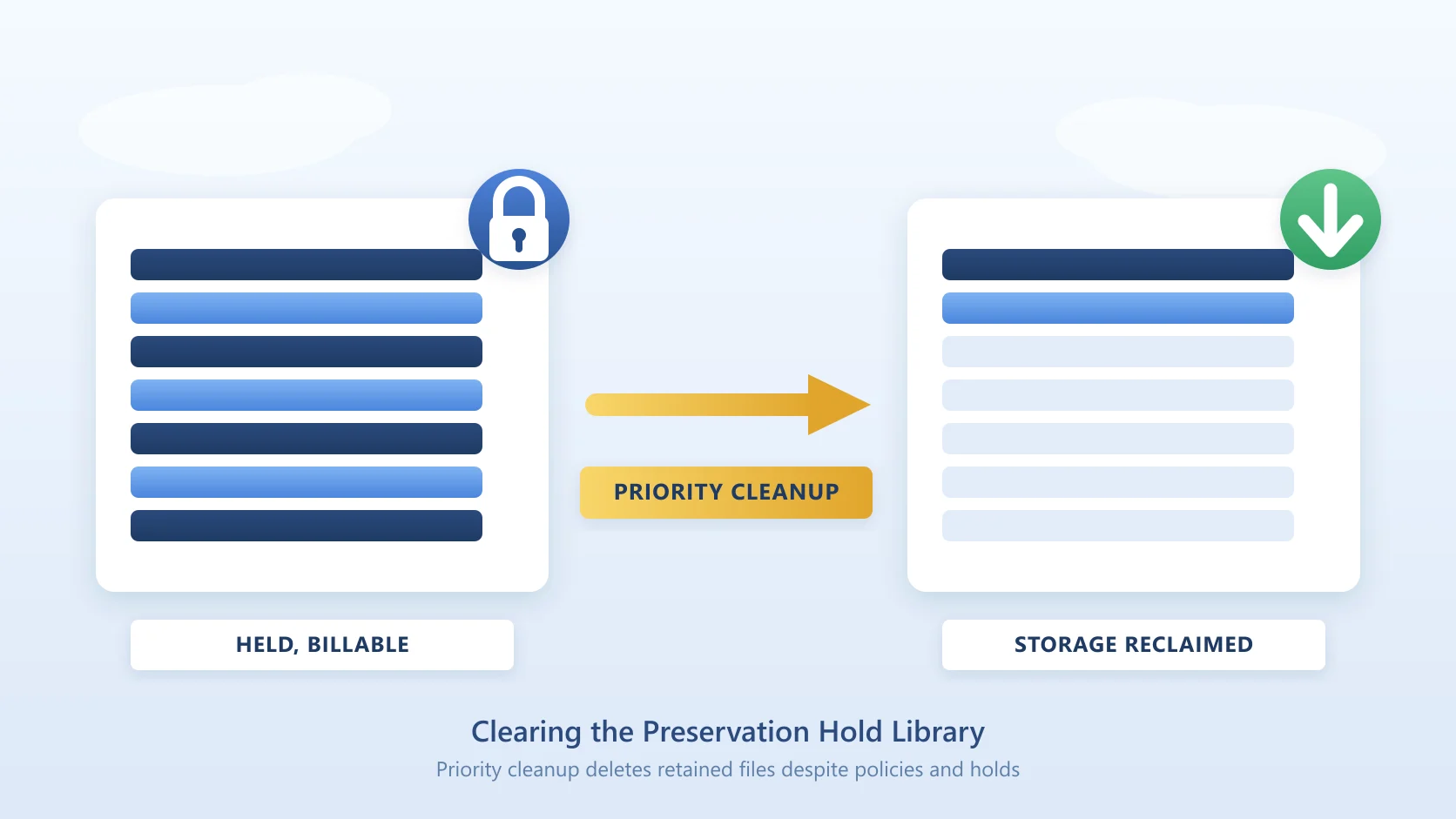
Use Priority cleanup. Microsoft Purview's Priority cleanup, under Data lifecycle management, can override retention settings and eDiscovery holds for files matching a query, and Microsoft documents the Preservation Hold Library as one of its intended uses, with the query ParentLink:PreservationHoldLibrary. It requires the Priority Cleanup Admin role, a mandatory simulation run, a second administrator to turn the policy on, an eDiscovery administrator's approval for anything under an eDiscovery hold, and it cannot touch items marked as records. Approved items go to the second-stage recycle bin and follow the same 93-day path. It is part of the Purview Data Lifecycle Management feature set, an E5-tier capability.
Trim versions on live content. Version limits reduce future growth in the live libraries but have no effect on content already under a retention policy, and none on the copies already in the hold library.
The Third Option: Archive Held Content Instead of Fighting It
There is a route that respects the retention requirement and still moves the bytes out of SharePoint. Squirrel archives document library files, on a policy, into Azure Blob Storage in your own Azure subscription, and Microsoft Purview retention labels and legal holds survive both the archive and the restore. The file leaves SharePoint with its label intact, a stub stays in the library so users and search still find it, and the retained content is now in storage you own at Azure rates rather than SharePoint rates.
For the deletions and edits that feed the hold library from now on, Squirrel's Recycle Bin Capture archives deleted or modified files into the same Azure storage instead of leaving them to accumulate in the Preservation Hold Library, so the retained copy still exists, is still recoverable and still auditable, but no longer inflates the site. The architecture and the cases where the hold library still has a role are set out in how to replace the SharePoint Preservation Hold Library.
A Faster View: SharePoint Storage Explorer
If you would rather not maintain a script, SharePoint Storage Explorer is a free, read-only Windows tool that scans every site in the tenant and reports storage by site, library, folder and file. Its site totals include the Preservation Hold Library and the recycle bins, and its document library view lists the libraries users can see, so a site whose total sits far above the sum of its visible libraries is one whose held content is doing the damage. Sort the site overview by total, compare against the library view, and you have the same ranking as the CSV above without writing anything. A light scan is enough for that comparison; a deep scan with file versions is the mode to run when you also want version counts and version bytes per file.
Frequently Asked Questions
Does the Preservation Hold Library count toward my quota?
Yes. Retained copies consume SharePoint storage in the same way as the live files, and they are included in the site figure shown in the SharePoint admin centre and in the tenant total. Above the tenant allocation of 1 TB plus 10 GB per licence, that storage is billed at Microsoft's published rate of $0.20 per GB per month, whether it is live content or held copies.
Can I delete from the Preservation Hold Library?
Not while retention applies. Microsoft does not support editing, deleting or moving the retained copies, and deleting content still under a retention period is a compliance breach rather than a storage fix. The supported routes are letting the retention period expire, changing the policy scope with compliance approval, or a Purview Priority cleanup with its approval chain.
Why is it still there after I disabled the policy?
Turning off or narrowing a retention policy stops new copies being made. It does nothing to the copies already in the library, which keep their original retention period and are removed only when that period ends and the timer job processes them. If the policy was retain-only with no end date, the content stays until a policy with an end date, or a Priority cleanup, replaces it.
How long until expired items clear?
The clean-up timer job runs every seven days and only considers items that have been in the library for at least 30 days, so up to 37 days after the retention period ends. The item then goes to the second-stage recycle bin for 93 days, where it still counts against storage, unless a site collection administrator empties that bin. Allow four months or more before the space comes back.
Why can I not see the library in the site?
It is deliberately hidden from Site contents, navigation and the view selector so that nobody edits or deletes retained records by accident. Only site collection administrators can open it, by typing the direct URL. If you are a site owner and the URL returns access denied, ask a SharePoint administrator to add you as a site collection administrator, or read the size from Storage Metrics instead.
Related reading
Mark Smith co-founded SmiKar Software in 2015 and has spent the past decade helping organisations solve Microsoft 365 data management challenges. He works with the SmiKar team to build solutions for SharePoint archiving, storage optimisation, governance and compliance, supporting customers from growing businesses through to Fortune 500 enterprises.
More about SmiKar