Purview retention archiving: what changes
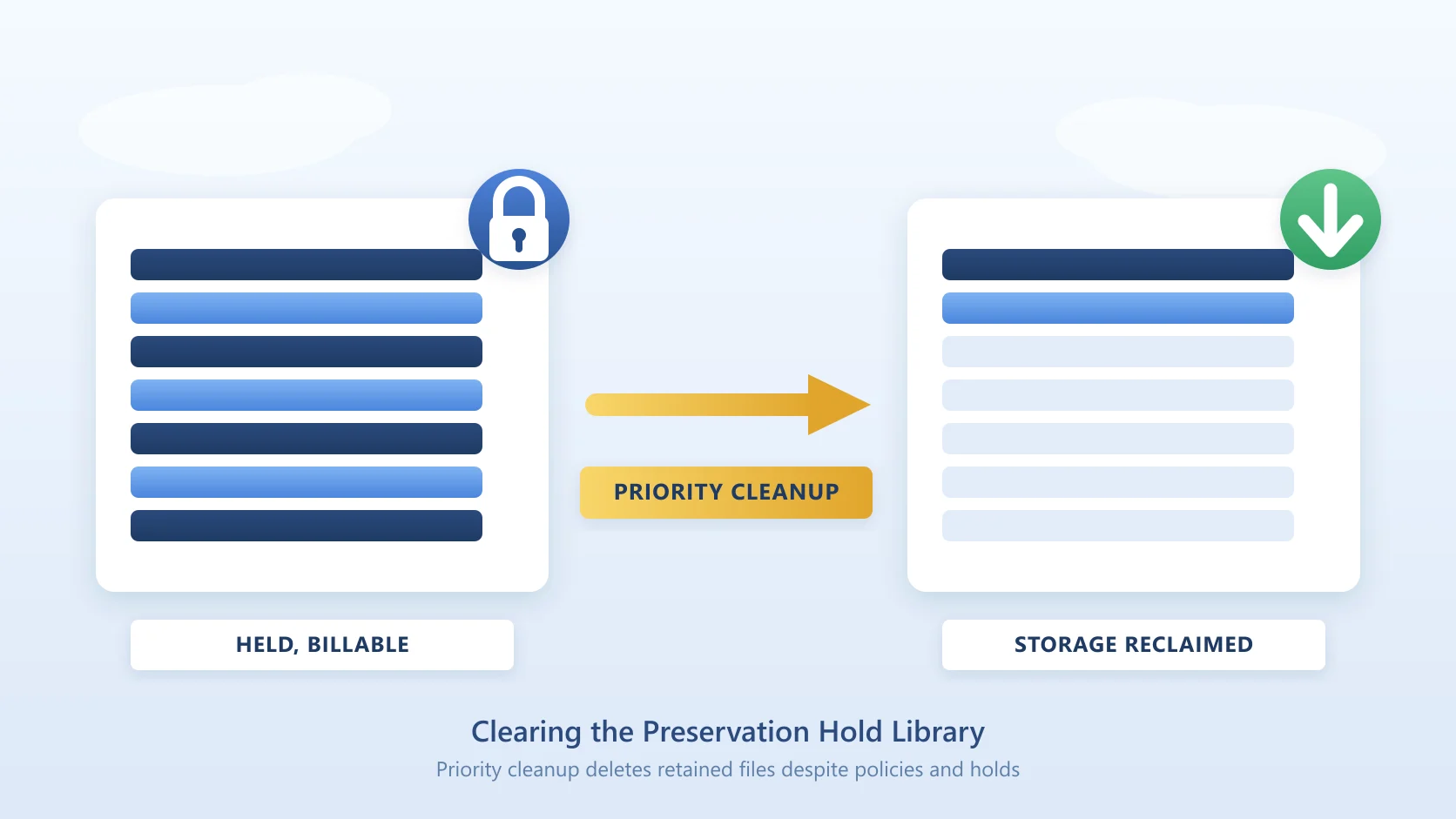
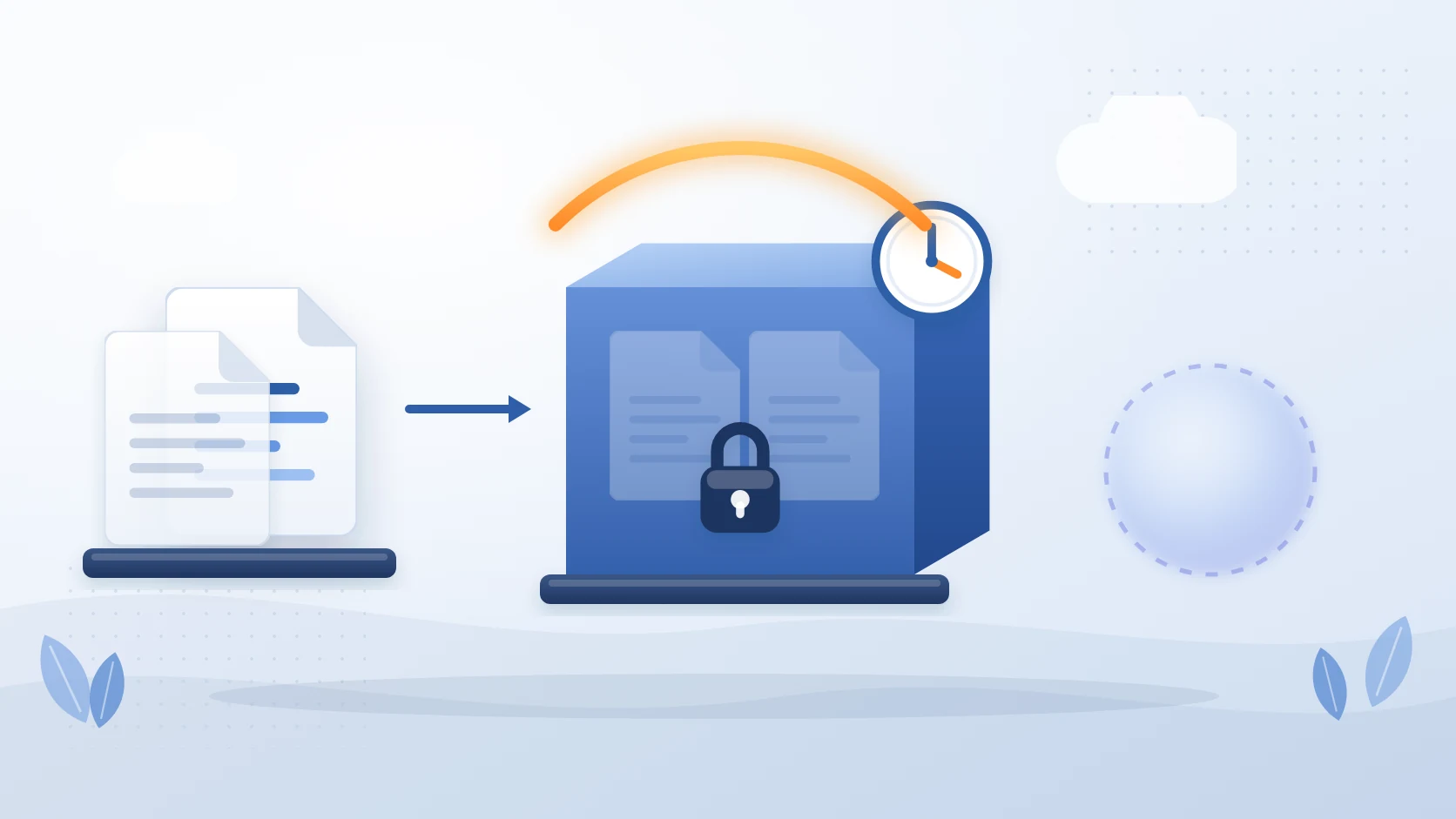
Microsoft is adding an Archive option to Purview retention policies, so inactive SharePoint files under retention can be moved into Microsoft 365 Archive storage automatically instead of sitting in your standard SharePoint quota. The change is tracked in Message Center posts MC1472601 and MC1325441, it is not enabled by default, and it needs an administrator to configure it.
Until now, the two halves of the problem were handled by separate teams. Purview decided how long content had to be kept. Microsoft 365 Archive decided where cold content lived, and was driven from the SharePoint admin centre at site level, or by end users at file level. This change joins them: the retention policy that already knows a file must be kept can now also decide it should be kept somewhere cheaper.
There is one trade-off in the announcement that deserves more attention than it is getting, and it is not about cost. Archived content is excluded from Copilot indexing. If your tenant is being prepared for Copilot, that matters, and this page covers what it means in practice.
What MC1472601 and MC1325441 actually say
Two Message Center posts describe this feature. They overlap, which is why administrators searching one ID often find references to the other.
| MC1325441 | MC1472601 | |
|---|---|---|
| Title | Microsoft Purview, Data Lifecycle Management - Archive SharePoint files under retention | Microsoft Purview: Archive SharePoint files under retention policies |
| Announced | 28 May 2026 | 15 September 2026 |
| Public preview | Early September 2026 to early October 2026 | - |
| General availability | Early October 2026 to early November 2026 | Early October 2026 to early November 2026 |
What the posts describe:
- A new Archive option inside retention policy settings, rather than a separate archiving workflow.
- Automatic movement of inactive files into Microsoft 365 Archive storage.
- Archived content remains compliant and discoverable, and stays available for compliance scenarios and eDiscovery.
- Archived content is excluded from Copilot indexing.
- The feature is not enabled by default and requires admin configuration.
Nothing breaks on the rollout date. If you do not configure it, your retention policies behave exactly as they do today.
The Copilot trade-off
The phrase in the Message Center post is that archived content "remains compliant and discoverable but is excluded from Copilot indexing". Microsoft frames the exclusion as a benefit, on the reasoning that stale content degrades the relevance of Copilot answers. For a lot of tenants that is fair. A decade of superseded policy drafts is not what you want Copilot grounding its answers in.
But the exclusion is applied by storage state, not by usefulness. Anything the policy archives leaves the Copilot index, including content that is inactive precisely because it is finished and authoritative: the signed contract, the closed project's final report, the approved procedure nobody has needed to edit in three years. Those are often the documents you most want an assistant to find.
So the question to ask before switching this on is not "is this content inactive" but "would I want Copilot to be able to cite this content". Those are different questions, and retention policies are built to answer the first one.
What it costs
Archived content moves onto Microsoft 365 Archive's pay-as-you-go model, billed through an Azure subscription you attach to the tenant. Archive storage is charged at a lower rate per gigabyte than standard SharePoint storage, which is the entire commercial case for using it.
Two details matter more than the headline rate:
- Reactivation has its own cost and delay. Reactivating an archived file can take up to 24 hours, except for files archived within the last seven days, which come back instantly. Sites have a similar reactivation path with a minimum archived period.
- Archiving reduces bytes, not item counts. Anything you are up against that counts items rather than storage, list view thresholds for example, is unaffected.
For how the SharePoint storage pool and its overage rate work underneath all of this, see SharePoint Online licensing and pricing. For the full set of native and third-party options side by side, see Microsoft 365 Archive alternatives.
Where this sits among the archiving options
Microsoft now has three native archiving paths into the same storage tier, and they are easy to confuse.
| Path | What it archives | Who triggers it | Driven by |
|---|---|---|---|
| Site archiving | A whole site | Administrator | SharePoint admin centre or PowerShell |
| File-level archiving | Individual files and folders | Administrator or end user | SharePoint, via the archive action |
| Retention archiving (MC1472601) | Files under a retention policy | Administrator, then automatic | Purview retention policy settings |
The new path is the first of the three that is genuinely policy-driven. Site archiving needs somebody to decide a site is finished. File-level archiving needs somebody to select files. Retention archiving runs off rules you already maintain, which is why it is the one most likely to move real volume in a large tenant.
What to do before the rollout reaches your tenant
- Find out what is actually inactive. Retention age and last-access age are not the same thing, and policy scope is usually written around the first. See what is using your SharePoint storage at site, library and file level before you write any rule.
- Separate "keep" from "hide". Walk your existing retention policies and mark which scopes contain content that Copilot should still be able to cite. Those are the scopes to leave alone for now.
- Check your pay-as-you-go billing is attached. Microsoft 365 Archive consumption bills to an Azure subscription linked to the tenant. If that is not configured, nothing archives.
- Decide who fields the restore requests. Reactivation can take up to 24 hours, so a user who needs an archived file today will raise a ticket. Agree where those go before the first policy runs.
- Pilot on one scope. Take a single retention scope covering genuinely finished content, archive it, and watch what users and Copilot do for a month before widening.
Where Squirrel fits
Squirrel solves the same storage problem with a different trade-off, and the difference is precisely the one this Message Center post creates.
Squirrel archives inactive content from SharePoint Online document libraries into your own Azure Blob Storage, in your own subscription, rather than into Microsoft's archive tier. Each archived file leaves a stub in the library under its original name. Because the stub is a real item in SharePoint, it stays indexed, and Squirrel's Nutshell engine writes a summary of the archived document into that stub. Archived content stays visible to SharePoint Search and to Microsoft Copilot instead of leaving the index.
The rest of the differences follow from where the data sits:
- Restore is immediate and costs nothing from Squirrel. Archives sit in the Azure Cool tier, so there is no rehydration wait and no restore fee from us. Users restore from inside SharePoint themselves, individually or a whole folder at once.
- The storage account is yours. Data is encrypted at rest and compressed before upload, in the Azure region you choose, under your own policies.
- It is Purview-compatible, so it sits alongside the retention posture you already run rather than replacing it.
Squirrel archives SharePoint Online document library content. It does not archive OneNote notebooks, SharePoint pages, Site Assets, lists or agents, and neither does Microsoft's file-level archiving.
If you want the two compared directly, see Squirrel vs Microsoft 365 Archive. To talk through your own numbers, email sales@smikar.com.
Frequently asked questions about MC1472601
Do I have to do anything before the rollout date?
No. The feature is not enabled by default and requires admin configuration. Retention policies you already have will keep behaving as they do now until you add the Archive option to one.
Does archiving under retention change what eDiscovery can find?
No. The Message Center post is explicit that archived content remains compliant and discoverable, and stays available for compliance scenarios and eDiscovery. The change is where the bytes live, not whether the content is in scope.
Why is archived content excluded from Copilot?
Microsoft's reasoning is answer quality: content that has gone cold is more likely to be superseded, and excluding it improves the relevance of what Copilot returns. The limitation is that the exclusion follows storage state rather than editorial value, so finished-but-authoritative documents leave the index alongside genuinely stale ones.
How long does it take to get an archived file back?
Reactivation can take up to 24 hours. Files archived within the previous seven days reactivate instantly. For a folder, the full schedule-and-complete process can take up to 48 hours on large folders.
Is this the same as the file-level archiving that shipped in July?
No, though they use the same storage tier. File-level archiving, which reached general availability under MC1381114, is triggered by an administrator or an end user selecting files. Retention archiving is triggered by a policy rule. See SharePoint file shows Archived and will not open for the file-level experience.
Does this reduce our SharePoint storage consumption?
It moves bytes from standard SharePoint storage onto the archive tier, which is charged at a lower rate. It does not reduce item counts, so anything limited by number of items rather than storage size is unchanged.
Related reading
- Microsoft 365 Archive alternatives - the four options for archiving SharePoint content, compared.
- SharePoint archiving - how to archive files, sites and libraries, and every option compared.
- How to archive a SharePoint site - the site-level path, its states and its limits.
- SharePoint file shows Archived and will not open - the file-level path from the user's side.
- Squirrel vs Microsoft 365 Archive - restore speed, Copilot and who owns the storage.
- See what is using your SharePoint storage - find the inactive content before you write the policy.
Mark Smith co-founded SmiKar Software in 2015 and has spent the past decade helping organisations solve Microsoft 365 data management challenges. He works with the SmiKar team to build solutions for SharePoint archiving, storage optimisation, governance and compliance, supporting customers from growing businesses through to Fortune 500 enterprises.
More about SmiKar