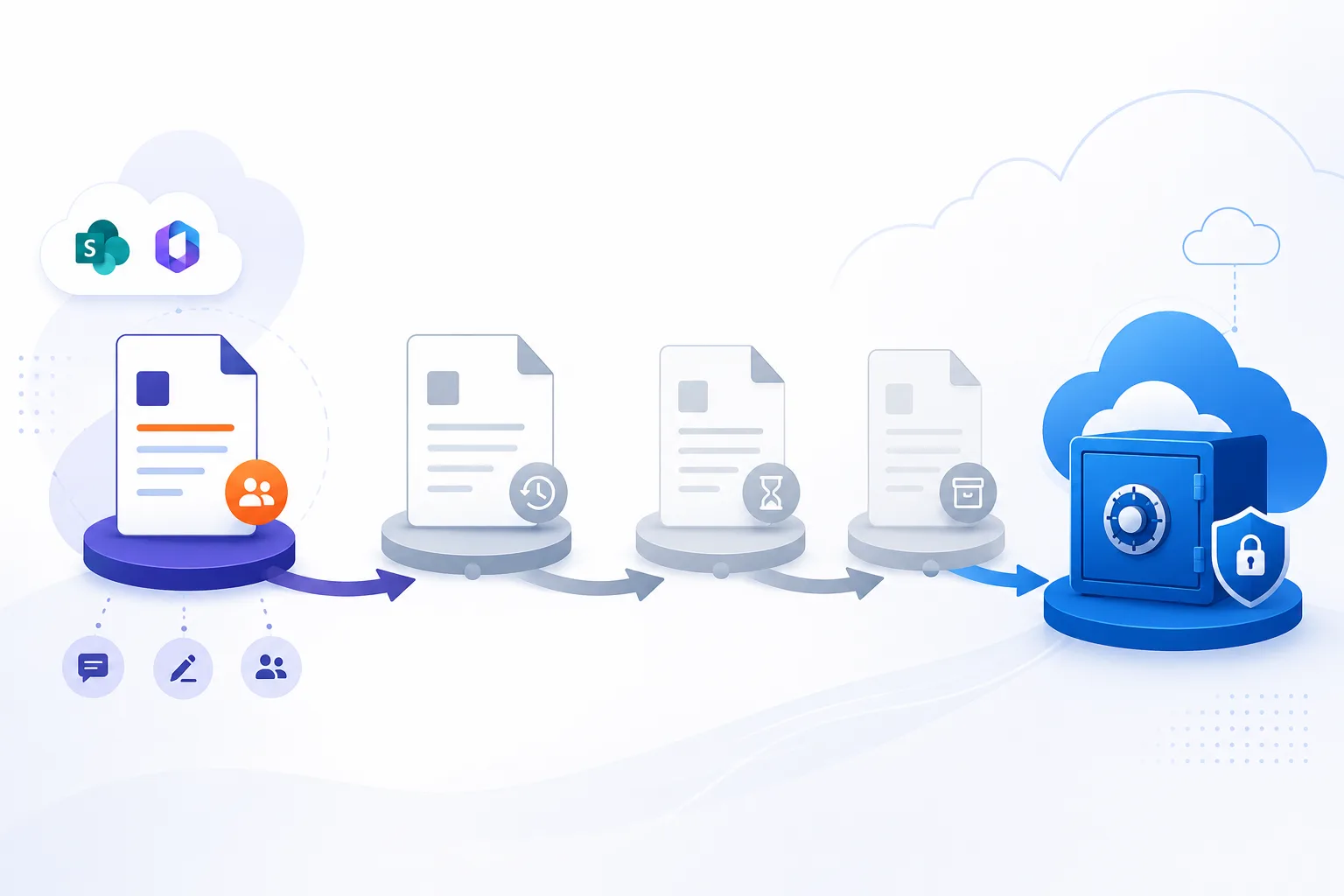
A colleague left, and the Teams chat you had with them has gone.
The pattern is always the same. Someone leaves, IT removes the account, and a week later a colleague goes looking for a decision, a file link or a set of instructions that lived in a one-to-one chat with the person who left. The chat is not in the list. Scrolling does not find it. Searching in Teams returns nothing. Sometimes the thread is still there but the name has become "Unknown user".
The question that reaches Microsoft's own forums is usually phrased as "why can't I retrieve Microsoft Teams chat history after employees leave the company?" The answer is that the messages are almost certainly still in your tenant. What has gone is the Teams app's view of them, and getting them back means knowing where Teams keeps chats and what your offboarding process did to the other half of the conversation.
Where a Teams chat actually lives
Teams stores every message in an Azure-powered chat service, which is what the app reads. For compliance, it also writes a copy of each message into a hidden folder in the mailbox of every participant in the chat. Microsoft's retention documentation puts it this way: "Data from Teams chats is stored in a hidden folder in the mailbox of each user included in the chat", and "if a user is added to a chat, a copy of all messages shared with them are ingested into their mailbox."
Two consequences follow. Your copy of a chat with a former colleague lives in your own mailbox, not theirs, so it survives the deletion of their account. And, in Microsoft's words, "messages visible in the Teams app are not an accurate reflection of whether they're retained or permanently deleted." What you can see in Teams and what still exists are different questions.
What happens when the other person's account is deleted
When a user is deleted, their mailbox goes with them. Microsoft's guidance for removing a former employee states that "the former employee's email, contacts, and calendar are retained for 30 days, and are then deleted permanently." Their compliance copies of the chat are in that mailbox, so unless a retention policy or hold converts the mailbox into an inactive mailbox, the leaver's side of the record is gone after 30 days.
Teams also tidies up. As Tony Redmond documented for Office 365 for IT Pros, when an account is removed "Teams notes the fact and removes any chat messages the user had sole access to", such as their chat with self or chats where every other participant has already left. Ordinary one-to-one chats are not in that category, because the other participant still has access to them.
Whether the remaining participant keeps seeing the thread depends on how the account was removed. Microsoft's answer on its Q&A site to exactly this complaint is worth quoting: "If you routinely remove licenses and hard-delete accounts quickly, consider a brief disabled-state window (e.g. 30 days) before permanent deletion. Many organizations use this operational buffer, so users still see 'Unknown User' threads for a period, while compliance copies are preserved." Where an account is hard-deleted at once, the client can lose the thread altogether. Where it is disabled first, colleagues keep an "Unknown user" thread they can still read.
There is no switch that prevents this. Neither the Microsoft 365 admin center nor the Teams admin center includes an option to preserve chats as part of removing an account.
How to get the messages back
Work through these in order.
1. If the account was deleted less than 30 days ago, restore it. In the Microsoft 365 admin center, Users, then Deleted users, select the account and choose Restore user. Microsoft states that within 30 days "the account and all associated data are restored" and "their mailbox is fully restored." A licence must be available to assign. Once the account exists again, the chat thread returns to the other participants' clients in most cases, and you can export what you need before removing the account properly.
2. Search the remaining colleague's mailbox with eDiscovery. This is the route Microsoft describes as "the authoritative route for retrieving messages when the client UI no longer displays them." A Purview content search on the colleague's mailbox with the condition kind:MicrosoftTeams returns their compliance copies of the chat, including the messages the former employee wrote, because those were copied into the colleague's mailbox at the time. The results can be reviewed and exported. This needs the eDiscovery role and an eligible Purview licence, and it produces a compliance export, not a readable thread in Teams.
3. If the leaver was under a Teams retention policy, search their inactive mailbox. Microsoft's retention documentation states that when a user leaves and their account is deleted, "their chat messages that are subject to retention are stored in an inactive mailbox" and "the contents are available to an eDiscovery search." The policy has to have covered the user before the mailbox became inactive; it cannot be applied afterwards.
4. What will not work. Copying and pasting from a colleague's Teams window loses names and timestamps and is worthless as a record. There is no chat delegation in Teams, so nobody can be given the leaver's chats the way a manager can be given their OneDrive. And once the leaver's mailbox is permanently deleted with no hold, their copies are unrecoverable; only the other participants' copies remain.
How to stop it happening with the next leaver
- Disable first, delete later. Block sign-in and remove the licence, but leave the account in a disabled state for 30 days before deleting it. This is Microsoft's own suggestion, and it keeps the "Unknown user" threads readable while you decide what needs exporting.
- Put a Teams retention policy in place before people leave. A retention policy for the Teams chats location, applied to users while they are still licensed, is what turns a deleted mailbox into an inactive one with the chats intact. Applied after the fact it does nothing.
- Archive the leaver's chats at offboarding. Chipmunk watches Microsoft Entra ID and, when an account is disabled, archives the person's Teams chats, channel messages and shared files, together with their OneDrive and mailbox, into an Azure Blob Storage account in your own subscription. A manager or HR reads the chats threaded, searches them by keyword and exports what a request needs, without an eDiscovery case and without keeping the licence. The archive is not a Purview hold and does not plug into eDiscovery, so where legal needs eDiscovery inside Microsoft 365 for particular people, keep the hold on those accounts and run the archive alongside it.
The wider picture, including what happens to the OneDrive and the mailbox on the same timeline, is in what happens to a former employee's Microsoft 365 data.
Frequently asked questions
Q: Why did my Teams chat with a former employee disappear?
A: Their account was deleted, and with it the mailbox that held their copy of the chat. Whether your copy still shows in Teams depends on your organisation's retention settings and on whether the account was disabled for a period before deletion. Your compliance copy of the messages is still in your own mailbox and can be found with a Purview content search.
Q: What does "Unknown user" mean in a Teams chat?
A: The other participant's account no longer exists in the directory. The thread and its messages remain readable to you; only the name has gone. Export anything you need from it, because the thread can disappear from the client later depending on retention settings.
Q: Can I recover a Teams chat with a deleted user?
A: Yes, in three ways. Restore the deleted account within 30 days, run a content search on the remaining participant's mailbox with kind:MicrosoftTeams, or, if the leaver was covered by a retention policy, search their inactive mailbox. The messages the leaver wrote are in the other participants' mailboxes as well as their own.
Q: How long are Teams chats kept after a user is deleted?
A: The leaver's own copies live in their mailbox, which is retained for 30 days after deletion and then permanently deleted unless a retention policy or hold has made it an inactive mailbox. Other participants' copies are unaffected by the deletion and follow their own mailboxes' retention.
Q: Do I need eDiscovery to export a chat with a former employee?
A: Inside Microsoft 365, yes. A Purview content search or eDiscovery case is the supported way to retrieve and export chat messages once they are no longer visible in the Teams client, and it needs the eDiscovery role and an eligible licence. An archive taken at offboarding, such as Chipmunk's, gives managers a readable, searchable copy without that.
Next steps
Related reading
Mark Smith co-founded SmiKar Software in 2015 and has spent the past decade helping organisations solve Microsoft 365 data management challenges. He works with the SmiKar team to build solutions for SharePoint archiving, storage optimisation, governance and compliance, supporting customers from growing businesses through to Fortune 500 enterprises.
More about SmiKar