This page is for administrators who already know archiving exists and want to know which of SharePoint's limits it actually addresses. Large document libraries slow down for specific, documented reasons, and each fix, including archiving, helps with some of them and not others. What follows is the list of limits, the symptoms they produce, what each standard fix does, and an honest account of what moving inactive files out of the library changes.
The limits that make large libraries slow
The numbers below come from Microsoft's SharePoint limits page and its guidance on managing large lists and libraries.
Archiving with Squirrel takes the bytes of inactive files out of a library and leaves a stub for each one, so it changes storage volume and sync payload rather than item counts. The section on what archiving changes sets out exactly which of the symptoms below it fixes and which it does not.
- 5,000 items: the list view threshold. Any view, query or operation that touches more than 5,000 items in one go is throttled. It is a query limit, not a storage limit; a library can hold far more than 5,000 files, but a view, a filter or a folder listing that returns more than that fails or falls back to a degraded experience.
- 100,000 items: permissions inheritance. Once a list, library or folder contains more than 100,000 items, you can no longer break or re-inherit permissions on it. You can still break inheritance on individual items inside it.
- 300,000 items: sync. Microsoft recommends syncing no more than 300,000 files in a single library, and the same limit applies across all libraries a user syncs, including shortcut folders. It is a count of files, not bytes, so a library of small files hits it as fast as a library of large ones.
- 30 million items per library. The supported maximum for files and folders in one document library.
- 25 TB per site. The maximum storage for a site collection.
- 50,000 unique permission scopes per library, with a recommended limit of 5,000. Every item with broken inheritance is a scope, and each one is evaluated when a view is rendered.
- 50,000 major versions and 511 minor versions per file. Every one of them is stored and counted at full size.
Two operational limits matter for the fixes below: a single move or copy across sites is capped at 100 GB and 30,000 files, and a full file path cannot exceed 400 characters.
The symptoms admins report
The same symptoms appear in Microsoft Q&A threads from tenants of every size:
- Views and folder listings time out or show "The number of items in this list exceeds the list view threshold". An admin planning project libraries of 1.4 TB, 250,000 files and 50,000 folders each asked exactly what would break (Microsoft Q&A); the answer was views, sync and metadata operations, in that order.
- Errors such as "The specified list is invalid" appear on operations that worked on smaller libraries.
- File Explorer no longer matches SharePoint. Sites over a million files were reported with sync and Explorer views that could not be reconciled with what the browser showed (Microsoft Q&A).
- Permissions become cumbersome. Above 100,000 items, an admin described managing permissions as unworkable because inheritance can no longer be changed at that scale, and reported search performance degrading significantly with the same dataset (Microsoft Q&A).
- Search results take longer and rank worse, because the index carries years of superseded content alongside the current set.
- Users ask for the file server back. This one is not in the documentation, but it is in every thread.
Practical 365 covers the engineering side in optimising SharePoint Online performance for large document libraries.
What each fix does and does not do
Indexed columns and filtered views
Indexing the columns you filter on, and building views that always return fewer than 5,000 items, is the correct first response to the list view threshold. It lets users work in a library that holds hundreds of thousands of items. It does nothing about sync, permissions, storage or search, and Microsoft's guidance is to create the indexes early: once a library has grown large, adding an index to it may no longer be possible.
Splitting folders and libraries
Splitting one enormous library into libraries by year, department or project keeps each one under the thresholds and gives sync and permissions something manageable to work with. The costs are a migration, broken links for anything that pointed at the old location, retraining, and the 100 GB and 30,000-file cap on each cross-site move. It also does not reduce storage; the same bytes are now spread over more libraries.
Sync scoping
Stopping users syncing whole libraries, and pushing them toward shortcuts to specific folders, keeps each client under the 300,000-file guidance and ends the File Explorer mismatch. It changes nothing on the server side.
Version trimming
Setting version limits stops future growth and, on a library with a handful of large, frequently edited files, recovers real storage. On most tenants it recovers less than expected; trimming versions on an 8.7 TB tenant discussed on Tech Community saved under 0.5%. It does not change item counts, and it is irreversible: trimmed versions are gone.
Deleting
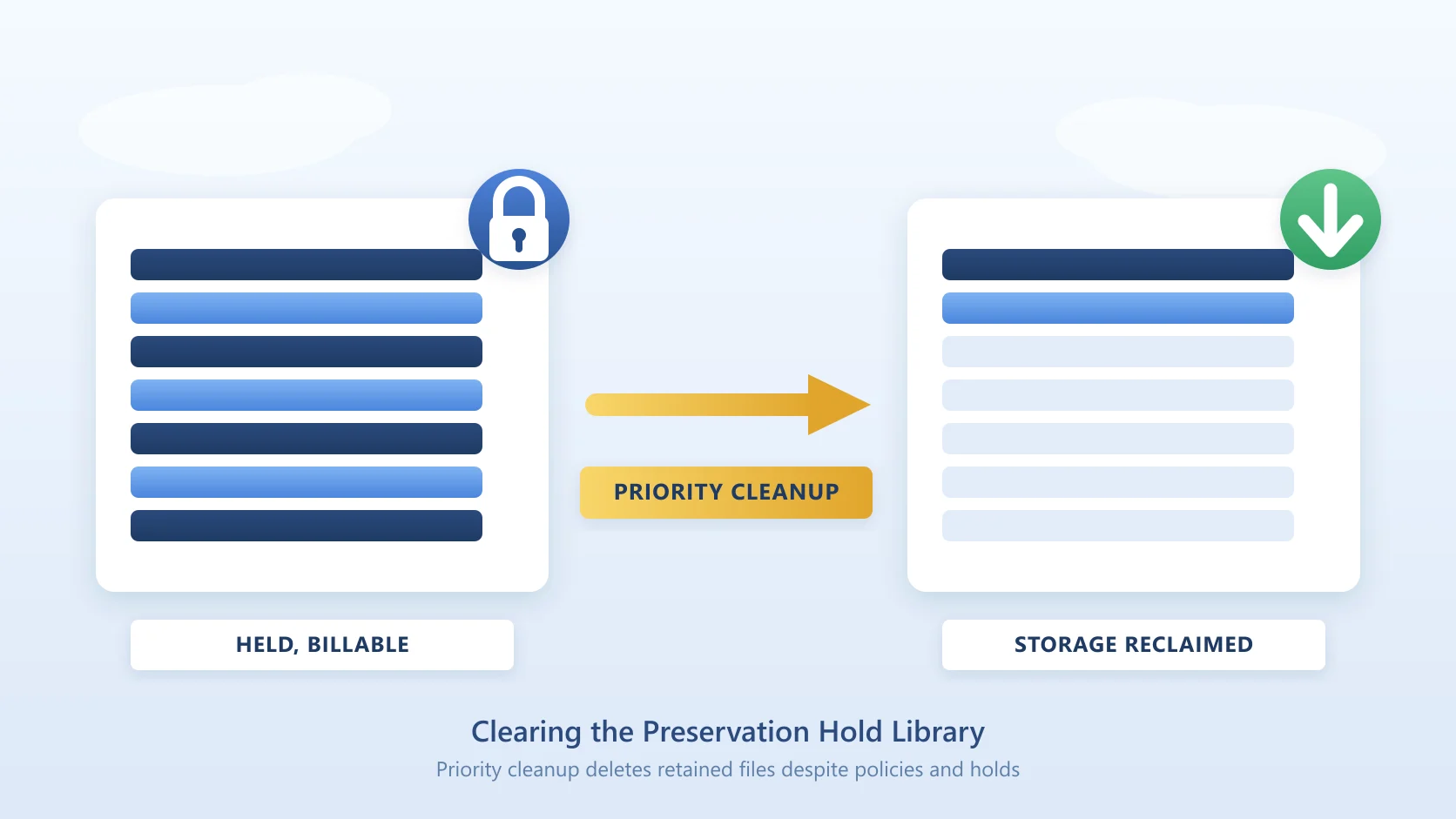
Deleting is the only fix that reduces every number at once, and it is the one most organisations cannot use. Retention policies and holds move deleted files into the Preservation Hold Library, where they keep counting against storage; the recycle bin holds them for 93 days; and nobody wants to be the person who deleted the file the auditor asked for.
What archiving changes

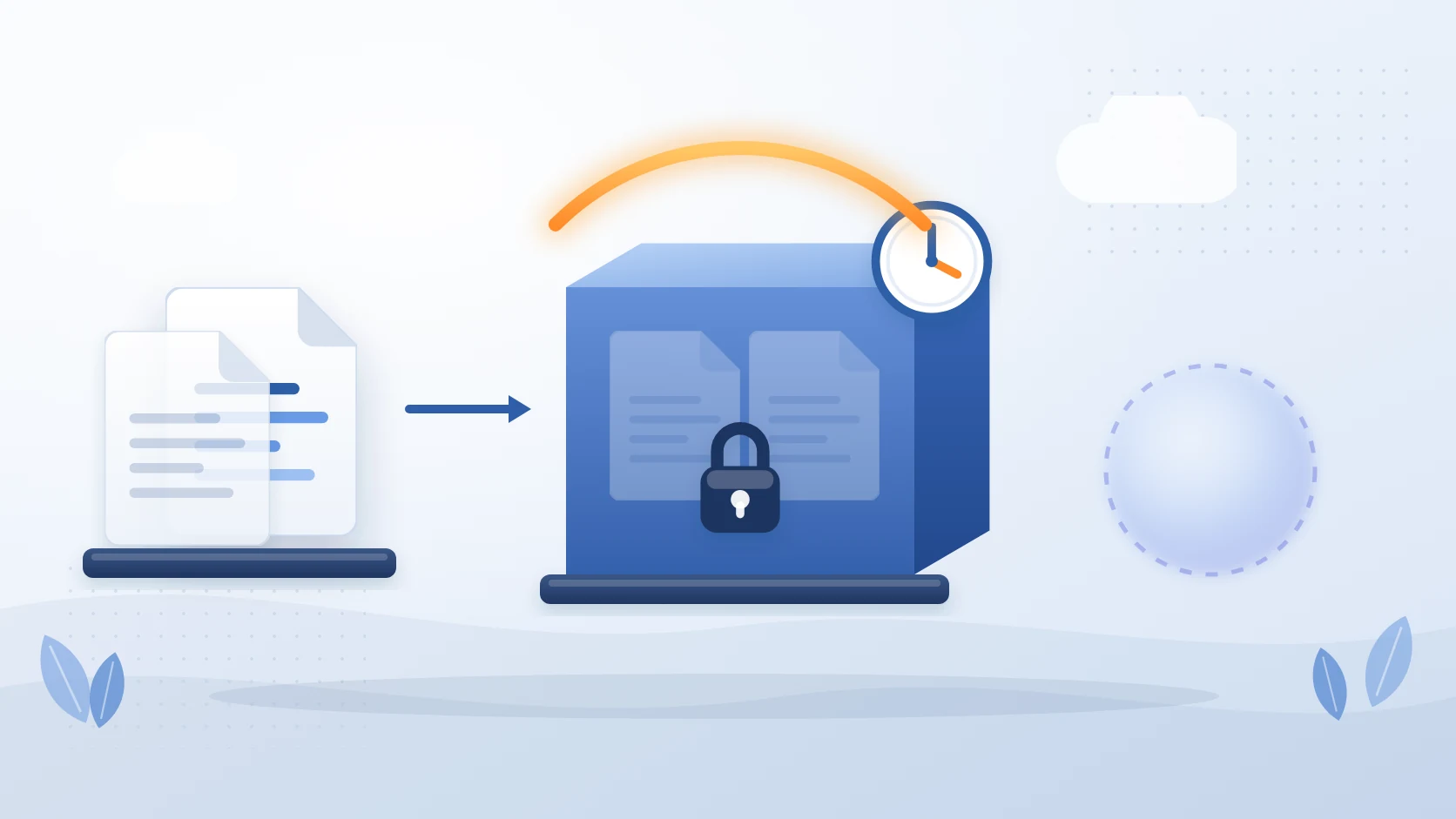
Squirrel archives inactive files out of SharePoint document libraries into Azure Blob Storage in your own Azure subscription, on rule-based policies (last modified, last accessed, file type, folder path, library, site), and leaves a stub in each file's place. What that changes, precisely:
- The bytes leave the library. Archived files no longer count toward the site's 25 TB or the tenant's allocation. This is the fix for storage-driven problems: sites approaching their limit, tenants at the "storage almost full" banner, and the read-only risk that follows.
- The version chains leave with the file. The stub is a single small item. Libraries where version history dominated the storage shrink accordingly, and the history is not lost; it comes back with the file on restore.
- The folder tree is kept. Stubs sit in the same folders with the same names, metadata and dates, so users, sync clients and Teams still see the structure they know. No migration, no restructure, no broken links.
- Sync gets lighter. A stub is a few kilobytes, so syncing a library of stubs transfers almost nothing. The count of synced files does not change, because there is one stub per archived file.
- Search still finds it. The stub stays in the search index under the original name and metadata. With Nutshell AI, a summary of the document is written into the stub, so SharePoint Search and Microsoft 365 Copilot can still find and use the content without a restore.
- Access is unchanged. The stub inherits the library's permissions; opening it restores the original file, with its version history, immediately from the Azure Cool tier, with no restore fee. External guests with library access can restore too. Retention labels and holds applied through Microsoft Purview survive archive and restore, and every archive and restore is audited.
Be clear about the one number archiving with stubs does not change: the item count. One stub replaces one file, so a library of 400,000 items is still a library of 400,000 items after archiving, and the 5,000-view, 100,000-permissions and 300,000-sync thresholds are counted in items. Where archiving does help with counts is as the safe first step before deletion. Under Squirrel's default retention settings, deleting a stub or a folder of stubs does not delete the archived copy, and a site-level restore places files whose original location no longer exists into a configured orphan-restore path. That lets you archive a dead project's folders, confirm the content is safe in your own storage account, and then remove the stubs to bring the item count down, which is a very different decision from deleting the only copy.
When archiving is not the fix
- A 5,000-row list. Squirrel archives document libraries only. A list that has hit the view threshold needs indexed columns and filtered views, not archiving.
- A single library of active files. If everything in the library is current, nothing qualifies for a lifecycle policy. The fix is structure: metadata, views, or splitting the library.
- Lists used by Power Apps. Slow Power Apps over large lists are a delegation problem, not a storage problem. Archiving does not touch lists at all.
- Item-count thresholds on a library where every file must stay in place. As above, stubs keep the count. Split the library or scope the views.
- Anything outside document libraries. OneNote notebooks, SharePoint pages, site assets and lists are not archived. Active users' OneDrives are not in scope either.
Next steps
If you are comparing SharePoint archiving solutions rather than diagnosing a slow library, the product page for Squirrel sets out what it archives, how restores work and what it costs, and Microsoft 365 Archive alternatives compares the four options side by side.
Frequently asked questions
Q: What is the SharePoint list view threshold and does it apply to document libraries?
A: The list view threshold is 5,000 items, and it applies to lists and document libraries alike. It limits how many items a single view, query or operation can touch, not how many items the library can hold; a document library can hold up to 30 million files and folders. Views that return more than 5,000 items are throttled unless the columns they filter and sort on are indexed.
Q: How many files can a SharePoint document library hold before it slows down?
A: The supported maximum is 30 million items, but the practical thresholds arrive much earlier: views are throttled at 5,000 items, permissions inheritance cannot be changed above 100,000 items, and Microsoft recommends keeping synced content under 300,000 files. Admins report search and permissions degrading from around 100,000 items. Plan indexed columns and views before a library reaches 5,000 items, and plan a split or an archiving policy before it reaches 100,000.
Q: Does archiving reduce the item count in a SharePoint library?
A: Not on its own. Squirrel leaves one stub per archived file, so the library holds the same number of items with far fewer bytes and no version chains. Item counts fall when stubs for genuinely dead content are then deleted; under Squirrel's default retention settings the archived copies remain in your Azure storage account, so that deletion is reversible in a way that deleting the only copy is not.
Q: Will archived files still appear in OneDrive sync and Teams?
A: Yes. Stubs appear in SharePoint, in OneDrive sync on Windows and Mac, and in Microsoft Teams, in the original folder with the original name. Opening a stub restores the file. Stubs do not open inside Office Online or the Office desktop applications, so a user reaches them from the library, the synced folder or Teams.
Q: Does archiving help Microsoft 365 Copilot?
A: It helps in two ways. Removing years of superseded content from the active index means Copilot grounds its answers on the current set. And with Nutshell AI, each stub carries a summary of the archived document, so Copilot can still surface archived content when it is the right answer. Microsoft 365 Archive, by contrast, states that archived content is not used by Copilot.
Q: Does trimming version history make SharePoint faster?
A: It reduces storage and keeps future growth in check, but it does not change item counts, so views, permissions and sync behave the same afterwards. It also recovers less than most admins expect unless version storage is concentrated in a few large files. Archiving moves the whole version chain out with the file and brings it back on restore, which is the difference between trimming and archiving.
Ready For a Demo of Squirrel?
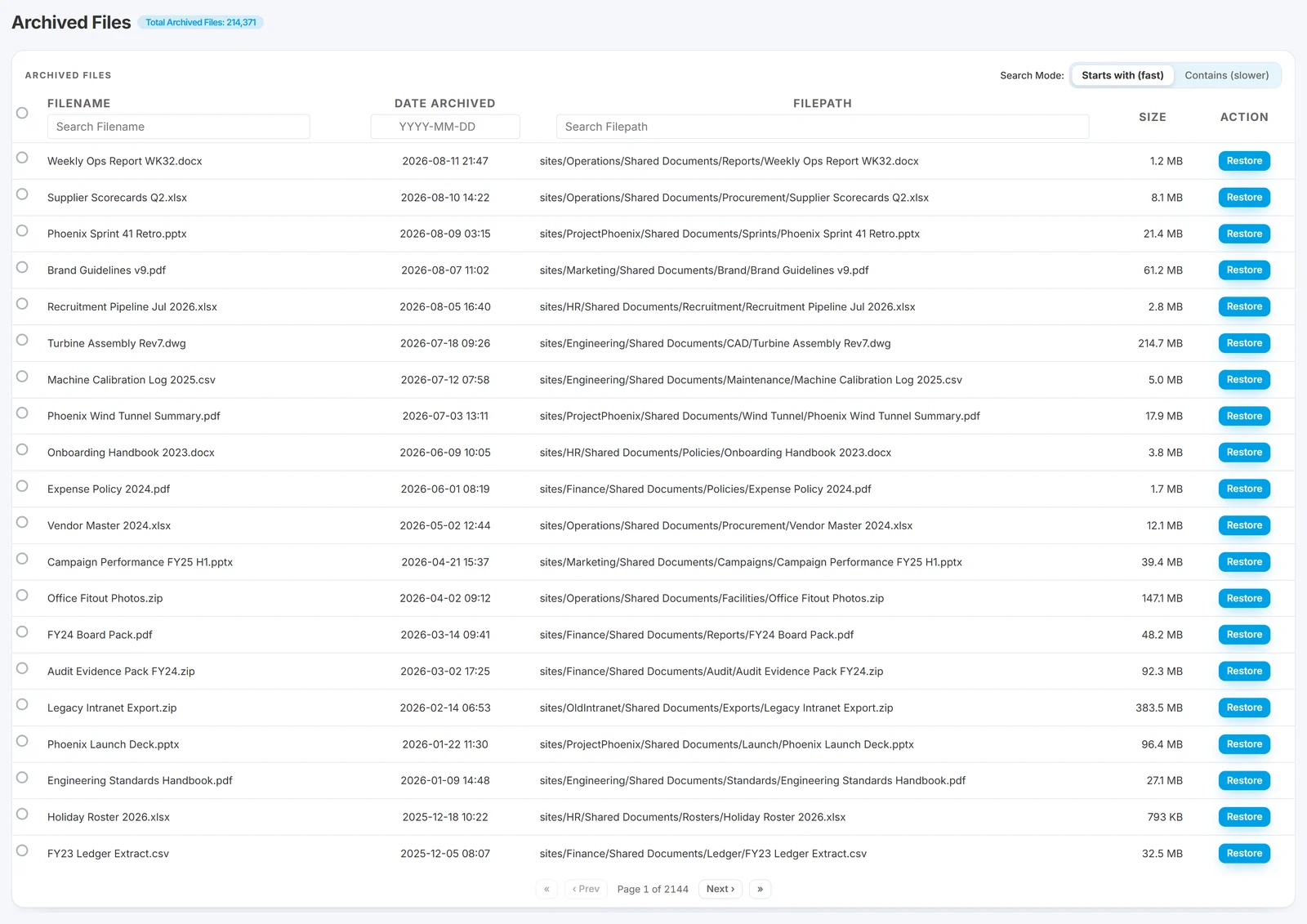
See Squirrel run against your own tenant, with your own libraries and your own Azure storage account.
Mark Smith co-founded SmiKar Software in 2015 and has spent the past decade helping organisations solve Microsoft 365 data management challenges. He works with the SmiKar team to build solutions for SharePoint archiving, storage optimisation, governance and compliance, supporting customers from growing businesses through to Fortune 500 enterprises.
More about SmiKar