Azure Files or SharePoint Online: the short answer
Put the files people work on together in SharePoint Online. Put the files that applications, scripts and legacy processes need to reach as a mounted drive in Azure Files. Put the bulk of what nobody has opened in years in Azure Blob Storage, at a fraction of either price. Most organisations that ask "Azure Files or SharePoint" end up needing SharePoint for the active tier and Blob for the inactive one, with a way for users to reach both from the library they already use. The comparison below sets out why, with the costs and the trade-offs.

What each one is
SharePoint Online is a document management and collaboration platform inside Microsoft 365. Files live in document libraries with metadata, version history, co-authoring in Office, search, sharing links, Purview retention and sensitivity labels, and Copilot grounding. Storage is a tenant-wide pool of 1 TB plus 10 GB per licence, with extra storage sold as an add-on at $0.20 per GB per month.
Azure Files is a managed file share in Azure. It presents a drive over SMB, or over NFS on the premium tier, so anything that can talk to a file server can talk to it: application servers, scripts, lift-and-shift workloads, and desktops mapping a drive letter. Azure File Sync can cache a share on an on-premises server so branch users keep local speed with one authoritative copy in the cloud. It is priced per GB by tier and redundancy, with transaction charges on the standard tier.
Azure Blob Storage is object storage. There is no drive letter and no folder in the operating-system sense; files are objects in a container, reached through an application or a tool. It is the cheapest of the three by a wide margin, priced by access tier, and it is where archive products put inactive SharePoint content.
SMB or NFS file share versus a SharePoint document library
The question behind "compare NFS to SharePoint Online" is usually a file server migration. An NFS or SMB share and a SharePoint library look similar from a folder tree, and behave very differently underneath.
| File share (Azure Files, SMB or NFS) | SharePoint Online library | |
|---|---|---|
| How users reach it | Mapped drive, UNC path, mount point | Browser, Teams, OneDrive sync, Office apps |
| Concurrent editing | File locks; one writer at a time | Co-authoring in Word, Excel and PowerPoint |
| Version history | Share snapshots at a point in time | A version per save, kept in full, up to the library limit |
| Search | File name and whatever the client indexes | Full-text search across the tenant, and Copilot |
| Permissions | NTFS or POSIX permissions, Entra ID identity for SMB | Site, library, folder and item permissions, sharing links, guests |
| Retention and compliance | Backup and snapshot policies, Azure immutability on Blob | Purview retention policies, labels, holds, eDiscovery |
| Application access | Any application that opens files from a path | Graph API and REST; not a file path |
| Largest single file | Terabytes | 250 GB |
| Items per container | Effectively unlimited for storage; performance is per share | 30 million per library; views slow past 5,000 items without indexing; sync is guided to 300,000 items |
Applications that expect a path, CAD and engineering tools with linked files, build systems, anything with a service account writing files: those belong on a file share. Documents that people find, share, co-author and are expected to keep under a retention label belong in SharePoint. Moving a working file server wholesale into SharePoint is where the "library is slow with 100,000 items" and "sync broke" threads come from; moving collaborative documents onto a file share is where "nobody can find anything" comes from.
What each costs per GB
| Storage | List price, per GB per month | Notes |
|---|---|---|
| SharePoint Online, beyond the pool | $0.20 | Office 365 Extra File Storage add-on; the pool is 1 TB plus 10 GB per licence |
| Azure Files, standard tier | Between Blob and SharePoint | Per GB used, plus transactions; an administrator on Microsoft Q&A comparing the two put a standard share at roughly $0.06 per GiB against the $0.20 add-on |
| Azure Files, premium tier | Higher than standard | Per GB provisioned, SSD-backed, no transaction charges; the tier that supports NFS |
| Azure Blob, Hot | About $0.018 | Locally redundant list price; varies by region |
| Azure Blob, Cool | About $0.01 | The tier archive products use by default: immediate reads, no rehydration |
| Azure Blob, Cold | About $0.0036 | Immediate reads, higher access cost |
| Azure Blob, Archive | Under $0.002 | Offline; hours to rehydrate before a read |
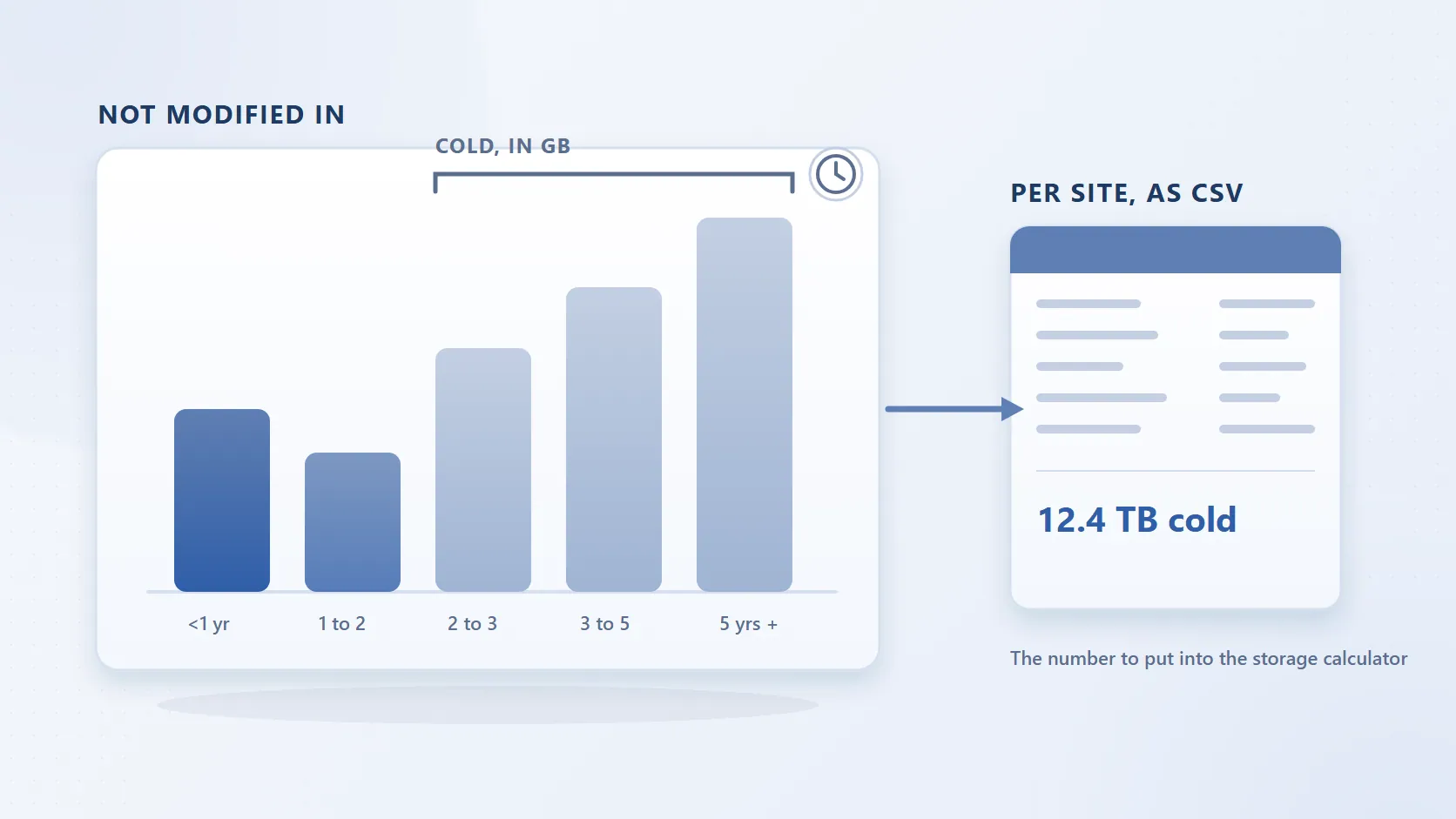
Ten terabytes of inactive documents cost about $2,000 a month on the SharePoint add-on and about $100 a month in Azure Blob Cool. Azure Files sits between the two, and because it charges for what a share holds whether or not anyone opens it, it is a poor home for the inactive bulk. The SharePoint storage calculator does this arithmetic for your own numbers.
What you give up by moving files out of SharePoint
A copy to a file share or a Blob container is easy. The losses arrive afterwards, and they are the same ones every "we moved to Azure Files" thread reports: version history does not come across, permissions are rebuilt by hand, sharing links and Teams references break, retention labels do not follow the file, search stops finding it, Copilot never sees it, and every request for an old document becomes a ticket to someone who knows the share. The Tech Community poster with 40 to 50 TB of old file servers stated the requirement that matters: documents "would still need to be searchable/findable by our users without the intervention of the IT Department."
That requirement is why the choice is rarely Azure Files instead of SharePoint. It is SharePoint for the files people use, plus somewhere cheaper for the files they do not, with a link between the two that users can follow themselves.
When Azure Files is the right answer
- An application or service needs a file path, a drive letter or an NFS mount.
- You are lifting a file server into Azure with its permissions and folder structure intact, and users will keep working through a mapped drive.
- Files are larger than SharePoint's 250 GB limit, or a dataset is far beyond what a library should hold.
- Branch offices need local performance through Azure File Sync.
When SharePoint Online is the right answer
- People collaborate on the documents: co-authoring, comments, sharing, Teams.
- The content must carry retention labels, holds and eDiscovery inside Microsoft 365.
- Users need to find documents by search, and Copilot needs to ground on them.
- The organisation already pays for Microsoft 365 and the volume fits, or can be made to fit, the storage pool.
The pattern most tenants end up with
Keep SharePoint as the working tier, and move the inactive tier into Azure Blob Storage in your own subscription without taking it away from users. Squirrel does that on a policy: a file that has not been touched for the period you set is moved, with its version history, to an Azure Blob Storage account you own, and a stub with the same name, metadata and dates stays in the library. Search still finds it, and any user with permission restores the original in one click, immediately, with no restore fee from Squirrel. Purview retention and sensitivity labels survive the round trip. SharePoint storage falls because the bytes leave; the folder tree, the sharing model and the retention model stay where they were.
That is the answer to "can I move SharePoint into lower-cost Azure storage": yes, to Blob rather than to Files, and with a stub rather than a copy, so the files stay findable from SharePoint. The mechanics of the three routes, including the do-it-yourself ones, are in moving SharePoint Online documents to Azure Blob Storage.
Frequently asked questions
Q: Is Azure Files cheaper than SharePoint Online storage?
A: Per GB, yes: a standard Azure file share costs a fraction of the $0.20 per GB per month SharePoint add-on. Azure Blob Cool costs less again, at about $0.01 per GB per month. Azure Files charges for the capacity a share holds whether or not anyone reads it, so it suits active application data rather than inactive documents.
Q: Can I attach an Azure file share to a SharePoint site?
A: No. SharePoint Online has no native way to mount an Azure file share or a Blob container as a library. Microsoft's own answer to that request was that the feature is in the backlog. Content in Azure is reached through a share, an application or, for archived SharePoint files, a stub left in the library by an archiving tool.
Q: Should I migrate our file server to SharePoint or to Azure Files?
A: Split it. Documents people collaborate on, share and must keep under retention go to SharePoint. Application data, files that need a path or a mount, and very large files go to Azure Files. The old, untouched bulk, which is usually most of a file server, goes to Azure Blob, ideally through an archive that leaves it findable.
Q: Does Azure Files have version history like SharePoint?
A: Not per file. Azure Files takes share snapshots, which are point-in-time copies of the whole share that you can restore files from. SharePoint keeps a version of each file on every save, up to the library's version limit, and shows the history on the file itself.
Q: What are the SharePoint limits that push people towards Azure?
A: A 250 GB maximum file size, 25 TB per site, the 1 TB plus 10 GB per licence tenant pool, list views that slow past 5,000 items without indexed columns, and OneDrive sync guidance of 300,000 items. The full list is on SharePoint Online limits.
Next steps
Related reading
Mark Smith co-founded SmiKar Software in 2015 and has spent the past decade helping organisations solve Microsoft 365 data management challenges. He works with the SmiKar team to build solutions for SharePoint archiving, storage optimisation, governance and compliance, supporting customers from growing businesses through to Fortune 500 enterprises.
More about SmiKar