
Manual or Automated SharePoint Archiving?
In today’s digital age, efficient document management is crucial for organisations to maintain productivity, ensure compliance, and manage storage costs. SharePoint Online, a popular platform for document management, offers robust archiving capabilities to help organisations handle their growing data. However, the approach to archiving can significantly impact efficiency and costs. This article compares manual archiving processes with automated solutions like Squirrel, highlighting the benefits of automation for SharePoint Online.
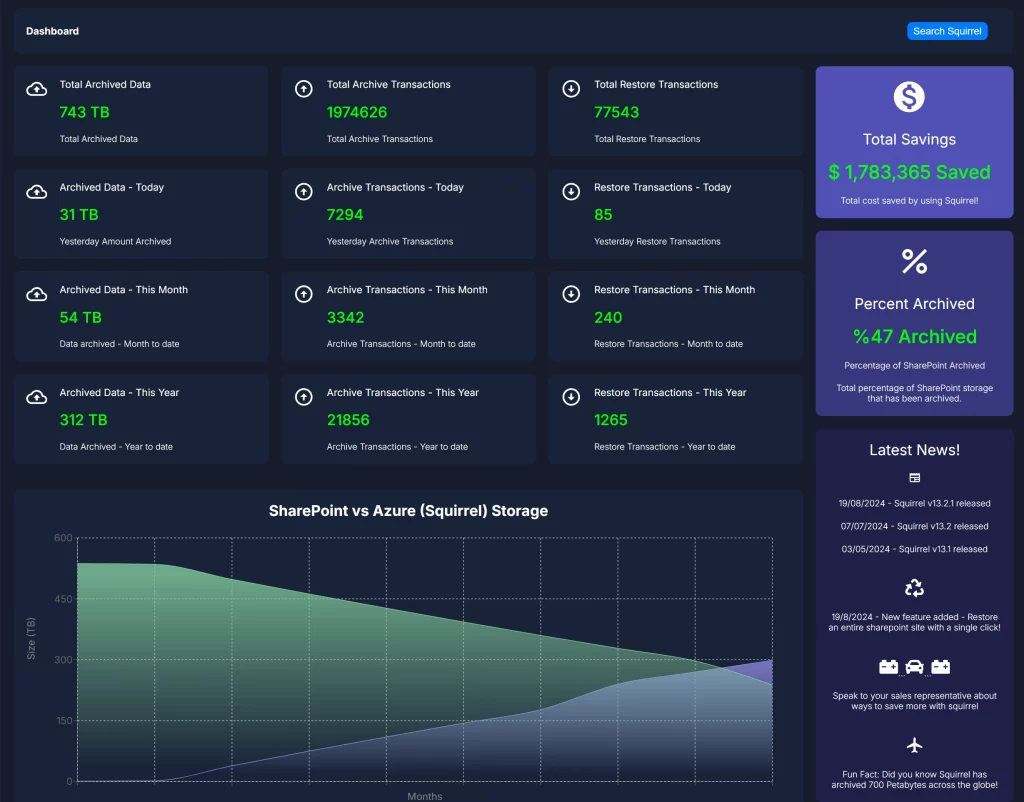
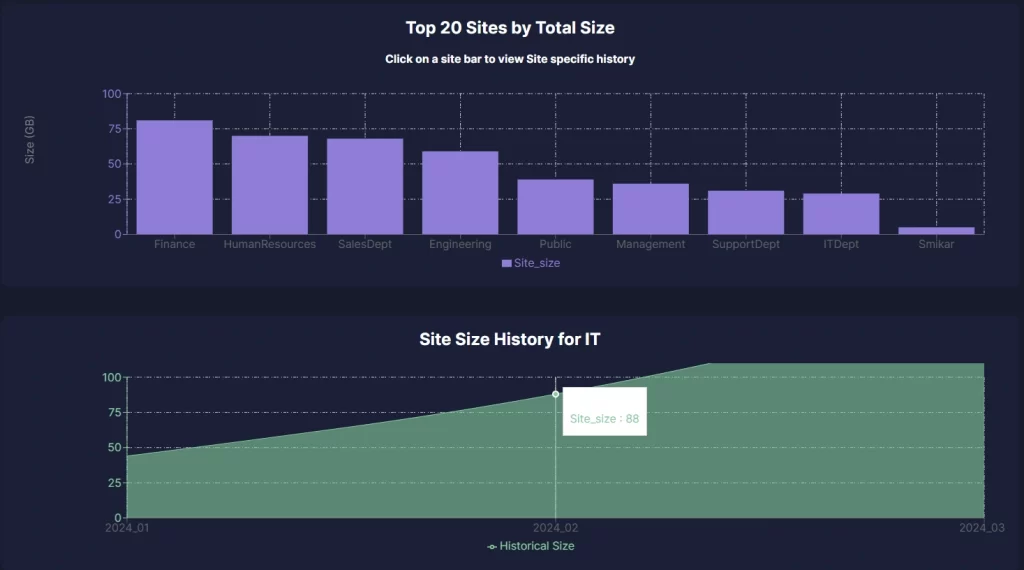
Squirrel automates SharePoint document archiving based on your lifecycle policies — identifying inactive content and moving it to Azure Blob Storage continuously, without any manual IT effort. Enterprises typically reduce SharePoint storage costs by up to 85%.
SharePoint Manual vs Automated Archiving: What’s Best for Your Organization?
Archiving in SharePoint Online is essential for performance, compliance, and cost control. But should your organization rely on manual processes, or shift to an automated solution like Squirrel? In this guide, we break down both approaches and show you how to modernize your document management strategy.
What Is Archiving in SharePoint Online?
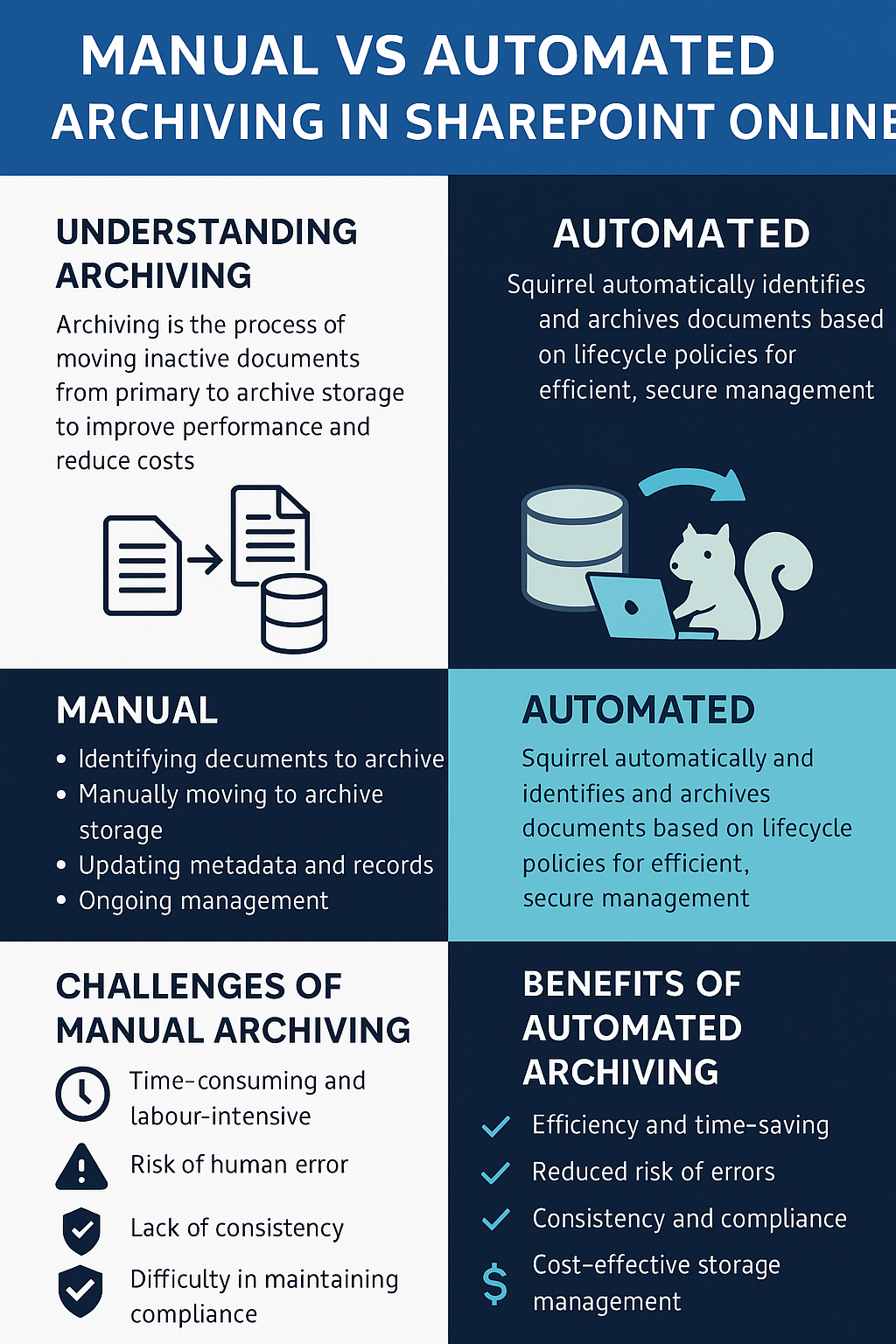
Archiving is the process of moving inactive documents from SharePoint’s primary libraries to a secondary storage system, such as Azure Blob. It improves performance, reduces costs, and helps ensure compliance. Archived documents are typically less accessed, but still important to retain.
Manual Archiving: What’s Involved?
- Identifying documents manually: Users or admins comb through libraries to flag old or inactive files.
- Moving files: Files are copied or moved into separate folders or exported from SharePoint manually.
- Updating metadata: Information about each document’s location, archive status, or retention period must be logged.
- Monitoring: Ongoing tracking of archive locations and access logs is often required.
Challenges of Manual Archiving
- Time-consuming and labor-intensive
- Prone to human error
- Inconsistent across departments or teams
- Difficult to enforce compliance uniformly
Automated Archiving with Squirrel
Squirrel is a SharePoint-integrated solution that automates the archiving of old or unused documents. It works in the background based on rules you define, moving files to cost-effective Azure Blob Storage while preserving user access.
Key Features
- Lifecycle Policies: Define criteria for archiving (e.g. last opened date, age, document type).
- Automated Archival: Files are moved automatically without user input.
- Stub Files: Archived files leave behind a clickable link in SharePoint for instant retrieval.
- Encryption: Files are encrypted at rest and in transit for secure compliance.
- Reporting: View audit logs and storage usage reports in real time.
Manual vs Automated: Head-to-Head
| Aspect | Manual Archiving | Automated with Squirrel |
|---|---|---|
| Time Required | High – manual review and archiving | Low – fully automated process |
| Error Risk | High – human mistakes likely | Minimal – consistent rules and logic |
| Compliance | Manual enforcement of rules | Built-in policies and audit logs |
| Cost Control | Dependent on user discipline | Automatically moves to low-cost storage |
Mastering SharePoint Online
Please fill out the form below to get our free Ebook "Mastering SharePoint Online" emailed to you
Send download link to:
The Real Cost of Manual SharePoint Archiving at Scale
Manual SharePoint archiving is not just slow — for large enterprises it is genuinely unsustainable. Consider what it actually requires.
An IT administrator needs to identify inactive content across potentially hundreds of SharePoint sites and thousands of document libraries. They need to decide what meets the archiving criteria, download or move each item, verify it has been transferred correctly, update any tracking documentation, and repeat this process on a scheduled basis as new content becomes inactive.
For an enterprise with 1,000 users and years of accumulated SharePoint content, a single manual archiving exercise might take days or weeks of IT time. And the moment it is complete, new content has already accumulated that needs archiving again.
The hidden cost compounds further when you account for human error. Manual processes are inconsistent — different administrators apply different criteria, some content gets missed entirely, and there is no audit trail unless someone remembers to create one.
For enterprises where storage costs are a genuine budget concern and IT teams are already stretched, manual archiving is an expensive non-solution.
Signs Your Organisation Has Outgrown Manual SharePoint Archiving
- SharePoint storage warnings are appearing despite regular clean-up exercises
- IT teams are spending significant time on archiving tasks that could be automated
- Archiving is inconsistent across different sites and libraries because different people apply different criteria
- There is no complete audit trail of what has been archived and when
- Users are reporting that they cannot find documents that were manually moved or deleted
- The Preservation Hold Library is growing faster than anyone expected
- Storage overage charges are appearing on Microsoft 365 invoices
Frequently Asked Questions About Manual vs Automated SharePoint Archiving
Q: What are the main advantages of automated SharePoint archiving over manual archiving? A: Automated archiving runs continuously without IT involvement, applies consistent criteria across every document library, maintains a complete audit trail of every action, scales without additional effort as content volumes grow, and delivers ongoing storage cost savings rather than a one-off reduction. Manual archiving requires recurring IT time, is inconsistent, and only provides temporary relief before content accumulates again.
Q: How does automated SharePoint archiving work? A: An automated archiving solution like Squirrel connects to your SharePoint Online environment and continuously monitors document libraries for content that meets your lifecycle policy criteria — typically based on last modified date, last accessed date, file type, or site. When a document meets the criteria it is automatically moved to Azure Blob Storage and replaced with a stub file. The process runs in the background with no IT intervention required.
Q: Can automated archiving be configured to match our specific retention requirements? A: Yes. Squirrel’s lifecycle policies are fully configurable. You can set different archiving criteria for different sites, libraries, or content types — archiving financial records after seven years, project files after two years, and general documents after one year, for example. Policies can be refined over time as your requirements change.
Q: Does automated archiving replace the need for Microsoft Purview retention policies? A: No — the two approaches serve different purposes and work together. Microsoft Purview retention policies define what content must be retained for legal and compliance reasons. Automated archiving determines where that content is stored most cost-effectively. Squirrel is compatible with Microsoft Purview and respects legal holds when archiving documents.
Q: How long does it take to set up automated SharePoint archiving with Squirrel? A: Squirrel includes a professional setup engagement and most enterprises are archiving within days of starting. The main configuration time is spent defining lifecycle policies and selecting which sites and libraries to include in the initial archiving scope.
Q: What happens to documents that users still need after they have been archived? A: Squirrel leaves a stub file in the original SharePoint location when a document is archived. The stub retains the file name and metadata so users can still find the document through SharePoint Search. Clicking the stub file triggers a restore and the full document rehydrates from Azure Blob Storage within seconds — no IT ticket required.
Cutting SharePoint Costs Made Easy.
Squirrel simplifies the archiving process, making it effortless to manage SharePoint Online storage efficiently. Reduce your expenses with a user-friendly solution that’s quick to set up and simple to operate.