
The SharePoint Archiving Buyer's Guide & Checklist
A vendor-neutral guide to evaluating SharePoint archiving, for M365 and IT leaders.
Why This Matters Now
SharePoint estates only grow. Document libraries accumulate years of files no one has opened, and nothing in Microsoft 365 nudges anyone to clean them up. That quiet growth has three consequences that have become urgent:
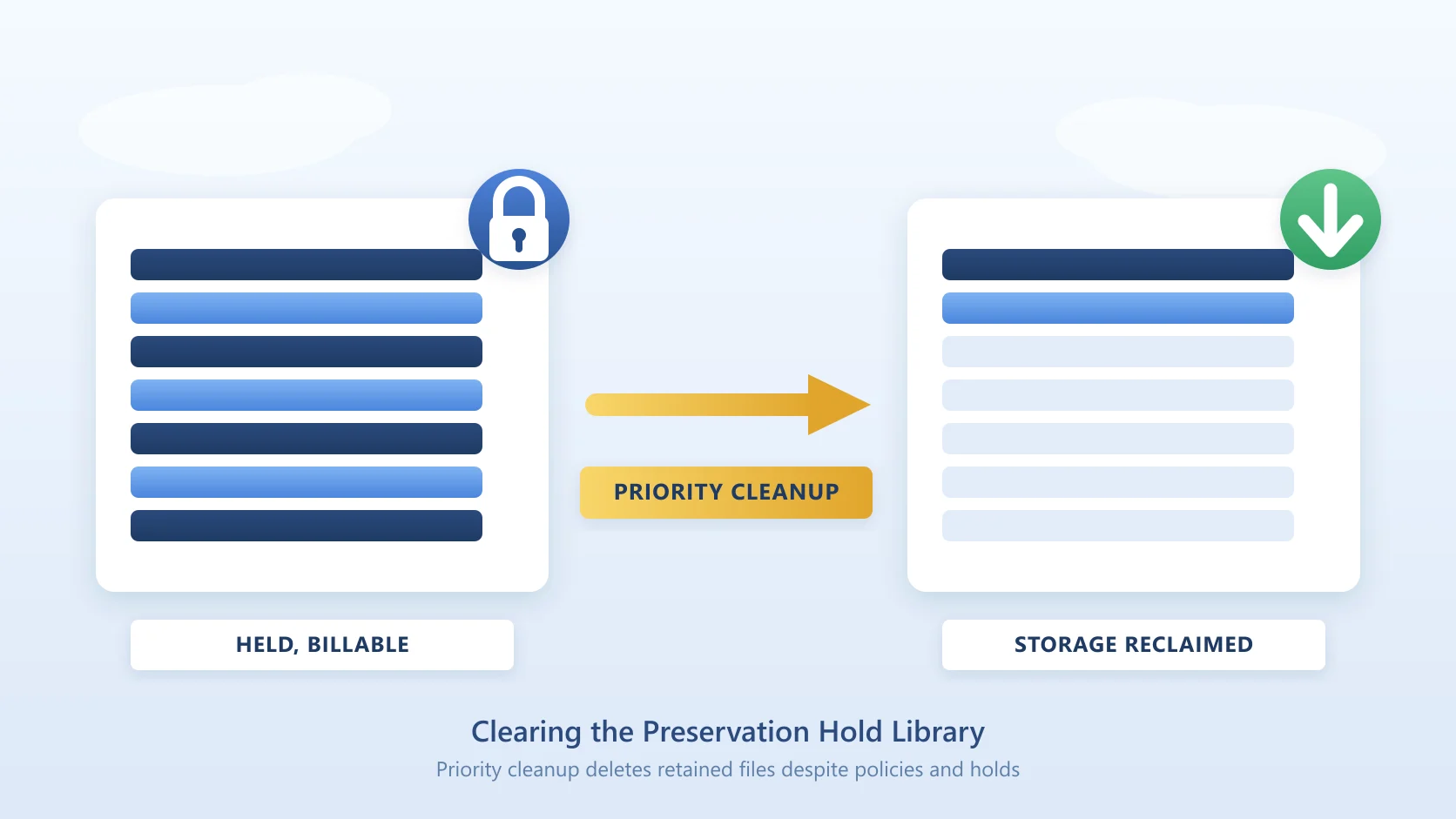
- Storage pressure and cost. You are paying to keep content that delivers no value, and additional SharePoint storage carries a premium.
- Copilot and search quality. Microsoft 365 Copilot grounds its answers on what is in your tenant. Stale, inactive, and duplicate documents pull search and Copilot toward noise, degrading results for everyone.
- Governance and risk. The more content you retain without a policy, the larger your compliance and discovery surface.
Archiving fixes this, provided the tool you choose does not create new problems in the process. The wrong archiving solution locks up your data, frustrates end users into raising tickets, or quietly breaks your compliance posture. Use the questions below to pressure-test any vendor, including us.
How to use this: score each vendor honestly against every question. Any "no" or vague answer in sections 1, 2, or 3 is a serious flag. Those are the areas that are expensive or impossible to fix after you have committed.
Taking this to a meeting? Download the printable PDF version - the same checklist with a vendor scoring grid, made to be marked up and shared with your evaluation team.
1. Restore and the End-User Experience
The single biggest reason archiving projects fail is that restore is painful, so users hoard and IT gets blamed.
- When a user needs an archived file back, can they restore it themselves, or does it require an admin, a ticket, or a support call?
- Is restore a single click, or a multi-step process?
- Is there any charge to restore a file, such as data retrieval or egress fees, or is restore included?
- How quickly does a restored file come back: is it available immediately, or is there a delay while it rehydrates from a cold storage tier?
- Are version history, metadata, and permissions all preserved on restore, or does the file come back stripped?
- What does a user see in SharePoint where the file used to be: a working placeholder, a dead link, or nothing at all?
- Can external guests with legitimate access to a library restore content too, or does archiving break their workflow?
What good looks like: the file appears to still be there; any user with permission clicks once and the original is back immediately and fully intact, with no surprise retrieval charge.
Red flag: restore is an IT task, archived files simply vanish from the library, or bringing a file back triggers retrieval fees or an hours-long rehydration wait. This failure mode is common enough that restoring archived SharePoint content is one of the most-searched archiving problems.
2. Data Ownership and Lock-In
This is the question that is impossible to walk back later. Where your data lives determines who has power in the relationship.
- Where does the archived data physically reside: in the vendor's cloud, or in your own Azure storage?
- If you stop paying, can you ever be locked out of the storage account holding your data?
- Do you retain full control and access to that storage at all times, with no vendor acting as gatekeeper?
- Is your data ever held inside the vendor's own tenant?
What good looks like: the archive is written into an Azure storage account you own and control, in your own subscription. The vendor operates the service but never holds your data hostage.
Red flag: "our platform stores it for you." That is leverage against you at renewal time.
3. Governance, Compliance and Audit
Archiving moves regulated content. If it moves outside your compliance boundary, you have created a problem, not solved one.
- Is there a complete audit trail of what was archived, when, and by whom?
- Does the solution work alongside Microsoft Purview and your existing retention policies, rather than fighting them?
- Can you apply retention and immutable (WORM) tiers to archived content?
- Are existing library permissions respected on both the archived item and the restored file?
What good looks like: archiving is fully logged, Purview-compatible, and supports immutable retention.
Red flag: no audit trail, or content that leaves your compliance scope the moment it is archived.
4. Copilot and Search Impact
Archiving is not just cleanup. Done right, it directly improves the quality of Copilot's answers.
- Does archiving actually remove stale content from what Copilot and search index, or does the clutter stay in the index?
- Can archived content still be found, and summarised on demand, when it becomes relevant again?
What good looks like: inactive noise leaves the working set, so Copilot grounds on current, relevant material, and nothing is truly lost.
Red flag: "archived" content that is still indexed is just hidden clutter, not a cleaner tenant.
5. Scope and Granularity
"Archiving" means very different things across vendors. Whole-site archiving is a blunt instrument.
- Can you archive at the individual file/document level, or only entire sites and libraries?
- Can you target content by age or inactivity with rules, or is it all-or-nothing?
- Can you define lifecycle policies that archive content automatically once it meets your rules (for example, untouched for a set period), so cleanup runs continuously rather than as a one-off project?
- Which content types are covered, and which are not (for example OneNote, SharePoint pages, site assets)?
What good looks like: precise, rule-driven, file-level archiving of document-library content.
Red flag: you can only archive a whole site, meaning active and inactive files get swept away together.
6. Cost and Commercial Model
Understand exactly what you are paying for, and whether the model works with you or against you as you grow.
- Does the archived data sit in storage you already control in Azure, or behind a per-GB vendor markup?
- Are there per-user fees, and do they scale in a way that penalises headcount growth?
- Does archiving genuinely reduce your primary SharePoint storage consumption, the thing driving the cost in the first place?
What good looks like: you pay for the service, and your data sits in low-cost Azure storage you already own.
Red flag: pricing that grows with users rather than the problem you are solving.
7. Deployment and Operations
Day-two reality matters as much as the demo.
- What level of access does the vendor require into your tenant to operate?
- Are archive policies rule-based and low-maintenance, or do they need constant hand-tuning?
- Who is accountable for the service running reliably over time?
What good looks like: clearly scoped access, rule-based policies that run themselves, and a vendor that operates the service as a managed offering.
Red flag: broad tenant access with vague justification, or policies you have to babysit.
8. The Ten Tests to Run in Your Own Tenant
A feature matrix tells you what a vendor claims. A proof of concept in your tenant tells you what happens. Make every vendor run these ten tests, in this order, on a copy of a real library.
| # | Test | What to watch for | How Squirrel behaves |
|---|---|---|---|
| 1 | Delete a stub. | Is the archived file gone with it? | The archived file is untouched. Under default settings, deleting a stub or a site never deletes archived data; the file appears in Squirrel's orphaned-files view and an administrator restores it from there. |
| 2 | Rename a stub, then move one to another folder and one to another site. | Where does the restore land? | Stubs are ordinary SharePoint files and can be renamed or moved. Moves are tracked by scheduled processing on a best-effort basis, including across sites. A stub moved and restored before that processing completes returns to its original location, so do not move stubs immediately before restoring, and keep stubs inside a site where the restore location must be strictly controlled. |
| 3 | Archive a file with 100 or more versions, then restore it. | Do the versions come back, or only the current one? | All versions are archived alongside the current version, up to the configured version limit (500 by default), and the full version history returns on restore. |
| 4 | Archive a file carrying a retention label and one carrying a sensitivity label. | Are labels stripped, is the file skipped, or must the policy be removed first? | Squirrel works alongside active Purview retention policies and preserves retention and sensitivity labels through archive and restore. Content you want kept out of the archive entirely can be excluded by library, path, file type or sensitivity label. |
| 5 | Archive a file that has been shared with a link and one that a guest user can reach. | Do sharing links and guest access survive? | The stub inherits the parent library's permissions, so a guest with library access can open the stub and restore the file. Per-file sharing links do not survive archiving, so test the shared file and decide whether that content should be excluded. |
| 6 | Search for a phrase inside an archived document, then ask Copilot about it. | Is the archived document findable, and can Copilot cite it? | The stub keeps the filename and metadata in the index. With Nutshell enabled, a 200 to 500 word summary is written into the stub, so search and Copilot find the document by topic and cite the stub; a specific figure or clause is available only after restore. |
| 7 | Take the storage account offline, or revoke its key, and try a restore. | What does the vendor's service do when your storage is unreachable? | The archive is in your storage account under your own redundancy and region settings, so its availability is your Azure storage's availability. Nothing about the archive depends on storage SmiKar holds. |
| 8 | Ask what you have if the vendor disappears or you cancel. | What still works, and what stops? | The data stays in your storage account and, under default settings, is never deleted except by the retention policy you set (ten years by default, with "never" supported). Restore runs through the Squirrel service, so the exit process is a bulk restore of sites, libraries or folders back into SharePoint before the subscription ends. SmiKar has been in business since 2015. |
| 9 | Restore 10,000 files in one action. | Is bulk restore a supported action or a script? | Restore a folder with the Squirrel Restore button in SharePoint, or a whole site from Site Archive Settings; every file returns to its original library and folder. Throughput is set by SharePoint's own API limits, and the queue shows progress. |
| 10 | Ask whether you can read the archive from Blob without the vendor. | An honest answer, not a reassuring one. | No, and that is a design decision. Files are encrypted individually before upload and decrypted only inside your environment during a restore, so a leaked storage key exposes nothing. The supported way back is restore, which is why the exit plan is bulk restore while the subscription is active. |
Run tests 1, 2, 5 and 8 with your compliance team in the room. They decide whether an archiving project becomes a records-management incident.
Scoring Your Shortlist
Tally the "yes / good" answers per vendor. Weight sections 1 to 3 most heavily: restore experience, data ownership, and compliance are the areas you cannot cheaply fix after committing. A tool that is strong on price but weak on data ownership is a false economy.
For the current vendor landscape to score against, see Microsoft 365 Archive alternatives compared and the Microsoft 365 Archive vs Squirrel head-to-head.
How Squirrel Answers This Checklist
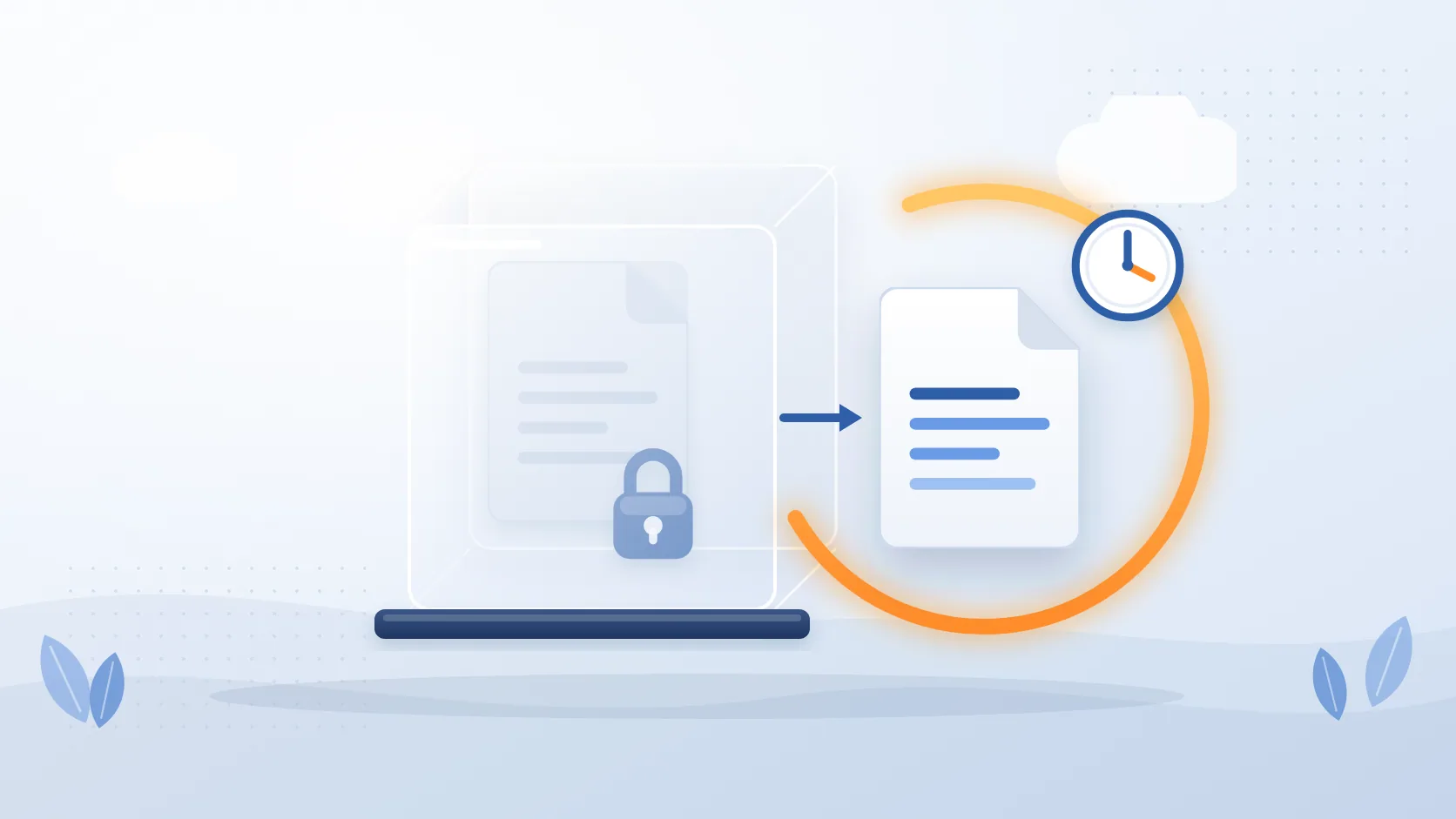
Squirrel archives inactive SharePoint document-library content into your own Azure storage, using the Cool access tier so it stays low-cost while remaining immediately available. You own and control the data, with no lock-in and no vendor holding the keys. Rule-based lifecycle policies archive content automatically once it meets your criteria, so cleanup runs continuously rather than as a one-off project. Archived files are replaced by a stub in place. Any user (and external guests with library access) restores the original in one click: immediately, with no rehydration wait and no restore fee from Squirrel. Version history, metadata, and permissions all come back intact. Every action is captured in a full audit trail, it is Purview-compatible, and it supports retention and immutable tiers. Add Nutshell and archived content is AI-summarised on demand, keeping Copilot grounded on what is relevant. Squirrel is a managed service: your data always resides in your Azure storage, never ours.
Frequently Asked Questions
Can end users restore archived SharePoint files themselves?
It depends on the tool, and it is the single most important question on this checklist. With stub-based archiving like Squirrel, any user with permission - including external guests with library access - clicks the stub and the original file is back immediately, with version history, metadata, and permissions intact, and no restore fee from Squirrel. With site-level tools, restore is typically an administrator task, which is how archiving projects end up generating help-desk tickets.
Should archived SharePoint data live in the vendor's cloud or our own Azure storage?
Your own Azure storage, if data ownership matters to you. When the archive sits in an Azure storage account in your own subscription, you keep full control of the storage account regardless of the vendor relationship, and if you ever stop using the service you bulk-restore sites, libraries or folders back into SharePoint before the subscription ends. When it sits in a vendor's cloud, the vendor is a gatekeeper between you and your own records.
Does SharePoint archiving work with Microsoft Purview retention policies?
It must, and this is worth verifying per vendor rather than assuming. Squirrel operates alongside active Microsoft Purview retention policies and preserves retention and sensitivity labels through the archive and restore cycle. Some platforms document that content under active retention policies is skipped or requires the policy to be removed first - check the vendor's own documentation for this exact scenario before committing.
What happens to archived files if we stop using Squirrel?
The archived files stay in your Azure storage account; SmiKar never holds a copy and, under default settings, archived data is only ever deleted by the retention policy you set. Restore runs through the Squirrel service, so before the subscription ends you bulk-restore sites, libraries or folders back into SharePoint from Site Archive Settings or the Squirrel Restore button, and every file returns to its original location with its version history.
Related reading
- SharePoint Online archiving - the complete enterprise guide
- Microsoft 365 Archive alternatives compared
- Microsoft 365 Archive vs Squirrel
- How to restore archived SharePoint content
Put the Checklist to Work
See how Squirrel maps to your environment or book a demo. Want this checklist as a printable document with a vendor scoring grid? Download the PDF version. Questions about a specific requirement: sales@smikar.com.
Download the printable PDF
The same checklist as a designed PDF with a vendor scoring grid - made to be marked up in a meeting and shared with your compliance and procurement teams.
Mark Smith co-founded SmiKar Software in 2015 and has spent the past decade helping organisations solve Microsoft 365 data management challenges. He works with the SmiKar team to build solutions for SharePoint archiving, storage optimisation, governance and compliance, supporting customers from growing businesses through to Fortune 500 enterprises.
More about SmiKar