OneDrive Archiving: Start With the Awkward Truth
There is no native Microsoft "archive tier" for OneDrive. If you came here expecting the OneDrive equivalent of Microsoft 365 Archive - a button that moves inactive OneDrive files to cheaper cold storage - it does not exist. Microsoft's own documentation is explicit: Microsoft 365 Archive is "for inactive SharePoint files and sites," and its file-level archive is "available only for SharePoint sites."
That leaves OneDrive archiving as a genuinely different problem from SharePoint archiving, and one where the right answer depends entirely on why you're archiving:
- Active users whose OneDrive is growing - there's no native archive tier, and the practical levers are storage governance, quota management, and retention policy rather than a true archive.
- Departed employees whose OneDrive must be preserved - this is where archiving genuinely applies, and where an automated tool earns its place.
- Unlicensed OneDrive accounts - Microsoft has its own automatic archiving behaviour here, which is a compliance risk more than a solution.
This guide covers all three honestly, including where the tooling runs out.
Why Microsoft 365 Archive Doesn't Cover OneDrive
Microsoft 365 Archive is Microsoft's cold-storage tier for inactive content. It archives entire SharePoint sites (generally available) and, in preview, individual SharePoint files. Archived content drops to a lower storage rate and is excluded from the active tenant storage quota.
Per Microsoft's Microsoft 365 Archive documentation, the coverage boundary is clear:
- Microsoft 365 Archive "provides cost-effective storage for inactive SharePoint files and sites."
- File-level archive "is available only for SharePoint sites."
- OneDrive appears in the documentation only as a limitation - if an archived SharePoint file is moved or copied into OneDrive, Microsoft notes its archived state "might not always be visually represented in the OneDrive user interface."
In other words, OneDrive is not a workload Microsoft 365 Archive operates on. There is no OneDrive site archive, and no OneDrive file archive. For a full breakdown of what Microsoft 365 Archive does cover, see SharePoint archive site explained and Squirrel vs Microsoft 365 Archive.
Archiving an Active User's OneDrive: The Honest Answer
For a current employee whose OneDrive is filling up, "archiving" is the wrong mental model - there's no cold tier to move the files to. What you actually have are governance levers:
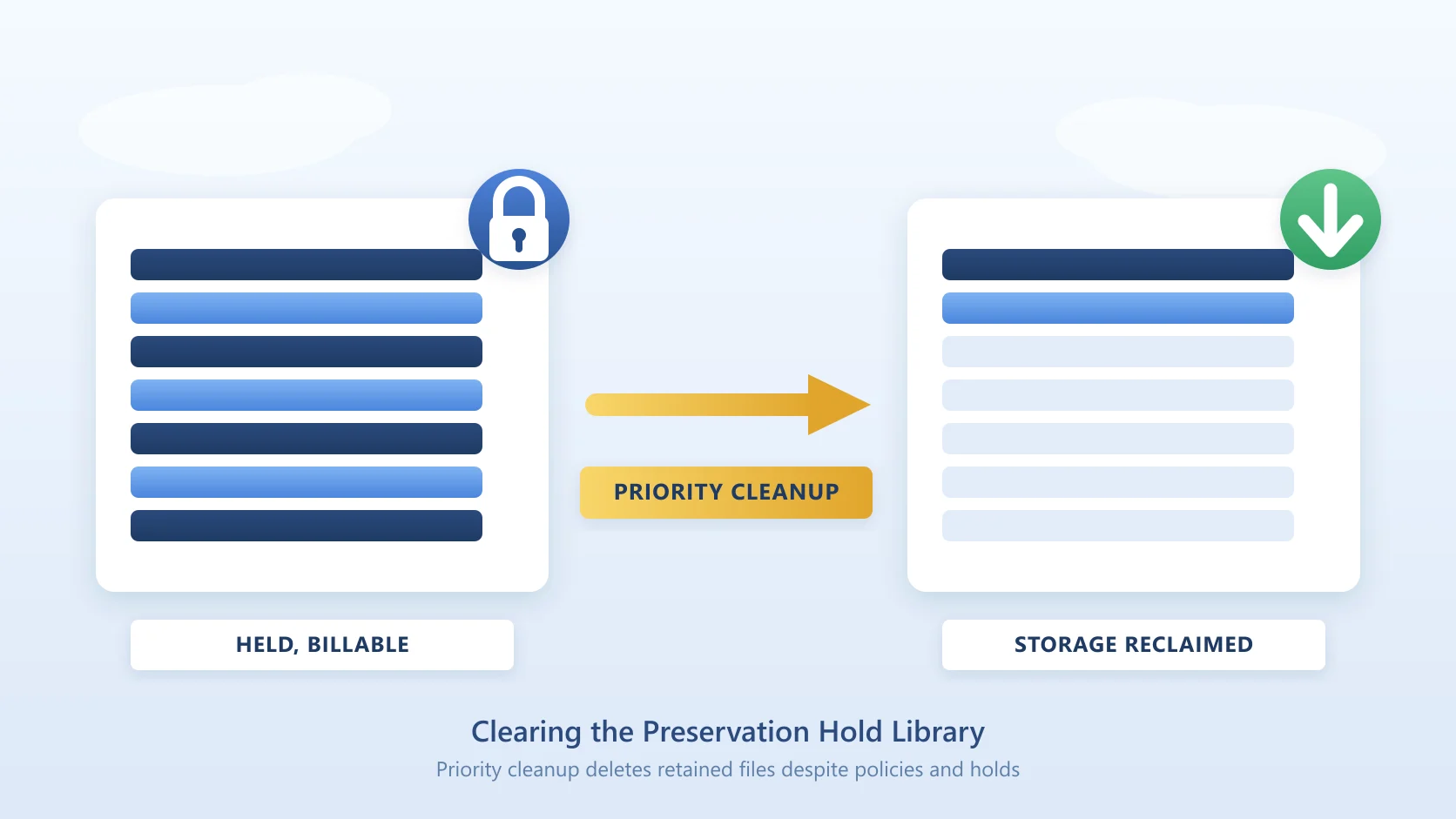
- Retention policies (Microsoft Purview). A retention policy can preserve OneDrive content for a defined period, but it preserves data - it does not move it to cheaper storage or reduce consumption. In fact, retained-and-deleted content lands in the OneDrive Preservation Hold Library, which increases storage use.
- Quota management. The OneDrive storage quota per user is set by licence and adjustable by admins within limits. Managing quotas is about controlling growth, not archiving. Note the 2026 change to over-quota enforcement in OneDrive quota enforcement (MC1310684) - Microsoft now places over-quota OneDrive users into read-only state.
- Move-to-SharePoint patterns. Some organisations move shared or team content out of individual OneDrives into SharePoint document libraries, where it can then be archived with a file-level SharePoint archiver. This works for content that shouldn't have been in personal OneDrive in the first place, but it's a migration, not a OneDrive archive.
The honest bottom line: for active-user OneDrive, there is no clean archive-to-cheaper-storage option in 2026 - native or third-party. If a vendor claims to "archive active OneDrive to cut storage cost," ask exactly how, because the platform doesn't expose the stub-and-rehydrate mechanism for OneDrive that makes SharePoint file archiving work.
Archiving a Departed Employee's OneDrive: Where It Actually Applies
The scenario where OneDrive archiving genuinely matters is offboarding. When an employee leaves, their OneDrive holds files the business may need later - and Microsoft's deletion clock is unforgiving.
Per Microsoft's documentation on removing a former employee, once a departed user's account is deleted, their OneDrive content is retained for 30 days by default before permanent deletion. That default is configurable in the SharePoint admin center (any value from 30 to 3650 days), but most tenants leave it at 30. Simply disabling the account doesn't start the clock - deletion does - but organisations routinely delete accounts to reclaim licences, which starts the 30-day countdown.
Three ways organisations handle departed-user OneDrive preservation:
- Keep the licence active. Preserves the OneDrive indefinitely, but costs a full Microsoft 365 licence per departed user, forever. For an enterprise with steady turnover this quietly accumulates into serious annual spend.
- Apply a Purview retention policy or hold before deletion. Preserves the content for compliance, but adds Purview complexity, doesn't necessarily let you reclaim the licence, and leaves the data in a form that's not easily browsable by HR or managers.
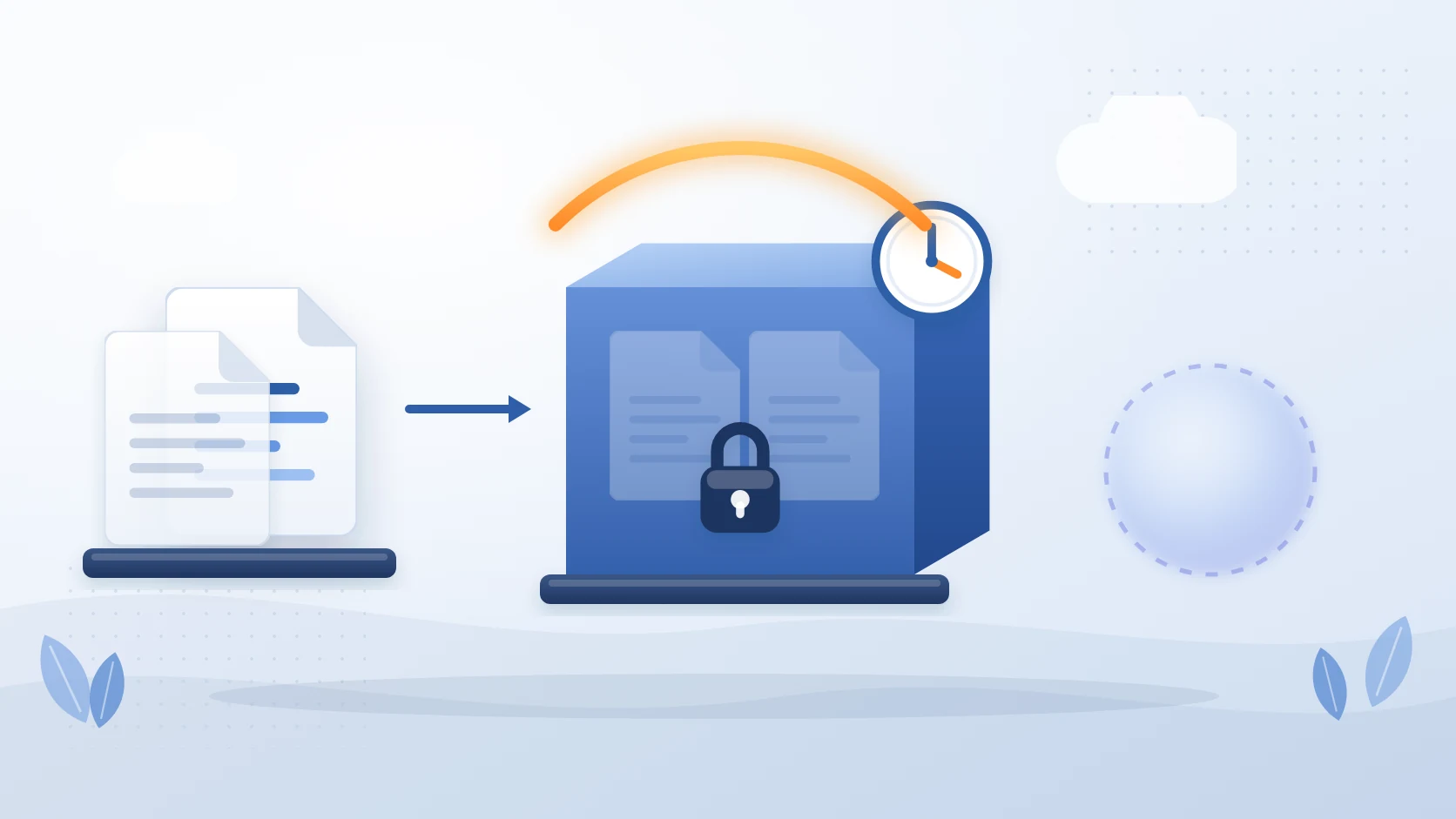
- Archive the OneDrive to your own storage, then delete the account. Capture the OneDrive content (along with the mailbox and Teams data) into storage you own, reclaim the licence, and delete the account cleanly.
That third pattern is what Chipmunk automates. The moment a user account is disabled in Microsoft Entra ID, Chipmunk detects the departure and archives the user's OneDrive, Exchange Online, and Teams data into your own Azure Blob Storage account - no manual export, no scripts. When the archive completes, IT gets a confirmation and can reclaim the licence immediately, knowing the data is preserved and searchable. The full workflow is in the Microsoft 365 departed user archiving guide, and the offboarding sequence in the Microsoft 365 offboarding checklist.
The Unlicensed OneDrive Archiving Trap
There's a third OneDrive-archiving scenario, and it's one Microsoft imposes rather than one you choose. Unlicensed OneDrive accounts are now enforced on a fixed timeline: read-only at 60 unlicensed days, archived at 93, out of eDiscovery at 275, and subject to deletion at 365 cumulative unpaid days. The clock starts when the licence is removed or the user is deleted in Microsoft Entra ID. Once archived, neither admins nor end users can reach the content.
This matters for offboarding because the most common cost-saving tactic - removing a departed user's licence but leaving the account in place to "keep the data" - is precisely what starts that clock. Getting the data back later costs $0.60 per GB to reactivate, plus $0.05 per GB per month across every unlicensed account in the tenant over 93 days, unless the original user still exists and can simply be relicensed.
Do not rely on a retention policy here. Microsoft states that where billing is not enabled and an account remains unpaid, it becomes subject to deletion at 365 days even if retention policies, settings, or holds exist - and if that deletion happens, eDiscovery hold records survive while the held content does not. The full timeline, costs and remediation steps are in unlicensed OneDrive accounts: what happens and what it costs.
The clean pattern remains: preserve the data to storage you control before you strip the licence, then delete the account.
OneDrive Archiving Options Compared
| Scenario | Native Microsoft option | Practical answer |
|---|---|---|
| Active user's OneDrive growing | None (Microsoft 365 Archive excludes OneDrive) | Quota management + retention governance; no true archive tier exists |
| Departed employee's OneDrive | Keep licence, or Purview hold before deletion | Automated archive to your own Azure storage (Chipmunk), then reclaim the licence |
| Unlicensed OneDrive account | Microsoft auto-archives it | Preserve to your own storage before removing the licence |
| Shared/team content in personal OneDrive | Move to SharePoint | Migrate to a SharePoint library, then archive at the SharePoint level |
The read-only and archived states, the three ways to unarchive a OneDrive account and what each costs are set out step by step in unlicensed OneDrive accounts: what happens and what it costs.
Frequently Asked Questions
Can you archive OneDrive with Microsoft 365 Archive?
No. Microsoft 365 Archive is documented as covering inactive SharePoint files and sites only. Its file-level archive is "available only for SharePoint sites." OneDrive is not a supported workload - there is no OneDrive site archive or OneDrive file archive in Microsoft 365 Archive.
How do you archive a departed employee's OneDrive?
Either keep their licence active (costly and indefinite), apply a Microsoft Purview retention policy or hold before deleting the account, or archive the OneDrive content to storage you own and then delete the account. The automated version of the third option - capturing OneDrive, mailbox, and Teams data on account disable - is what Chipmunk does.
What does it mean when OneDrive says a file is archived?
Two different things, which is why the wording causes confusion. If your organisation runs a third-party archiving tool, an archived file has been moved to separate storage and what remains in OneDrive is a pointer that restores the original on demand. If no such tool is in use, "archived" is almost always a user or a sync client describing a file that was moved into a folder named Archive, which is an ordinary folder and saves no storage at all. Microsoft 365 Archive, the platform feature, does not apply to OneDrive.
How do you archive OneDrive files without deleting them?
For an active user there is no native mechanism, so the choice is between moving the content somewhere cheaper yourself or leaving it in place. Moving files to a SharePoint document library shifts consumption from the user's OneDrive quota to the tenant pool, which helps a user who is over quota but does not reduce total tenant storage. Moving them out of Microsoft 365 to Azure storage does reduce it. Either way the important detail is that deletion and archiving are not the same operation: archiving keeps the content retrievable, which is what makes it defensible when someone asks for a file two years later.
How long is a deleted user's OneDrive kept?
By default, 30 days after the account is deleted, then permanently deleted. This is configurable in the SharePoint admin center to any value from 30 to 3650 days. Note that disabling an account does not start the timer - only deleting the account does.
Is there a way to move inactive OneDrive files to cheaper storage?
Not natively, and not cleanly with third-party tools either. The stub-and-rehydrate mechanism that makes SharePoint file archiving work isn't exposed for OneDrive. For active-user OneDrive, the levers are quota and retention governance, not archiving. Content that genuinely belongs in shared storage can be moved to SharePoint and archived there instead.
Does removing a OneDrive licence delete the data?
Removing the licence alone doesn't immediately delete the data while the account exists, but it can trigger Microsoft's automatic archiving of the now-unlicensed OneDrive, making it inaccessible. Deleting the account starts the 30-day deletion clock. Preserve the data before doing either.
Related Guides
- Microsoft 365 departed user archiving - the full offboarding data-preservation guide.
- Microsoft 365 offboarding checklist (2026) - the step-by-step admin sequence.
- OneDrive quota enforcement (MC1310684, July 2026) - the over-quota read-only change.
- 2025 OneDrive licensing changes - the unlicensed-account archiving policy.
- SharePoint archive site explained - what Microsoft 365 Archive covers for SharePoint (and how it differs from OneDrive).
Mark Smith co-founded SmiKar Software in 2015 and has spent the past decade helping organisations solve Microsoft 365 data management challenges. He works with the SmiKar team to build solutions for SharePoint archiving, storage optimisation, governance and compliance, supporting customers from growing businesses through to Fortune 500 enterprises.
More about SmiKar