SharePoint Archiving Best Practices for Compliance and Cost Savings in 2026
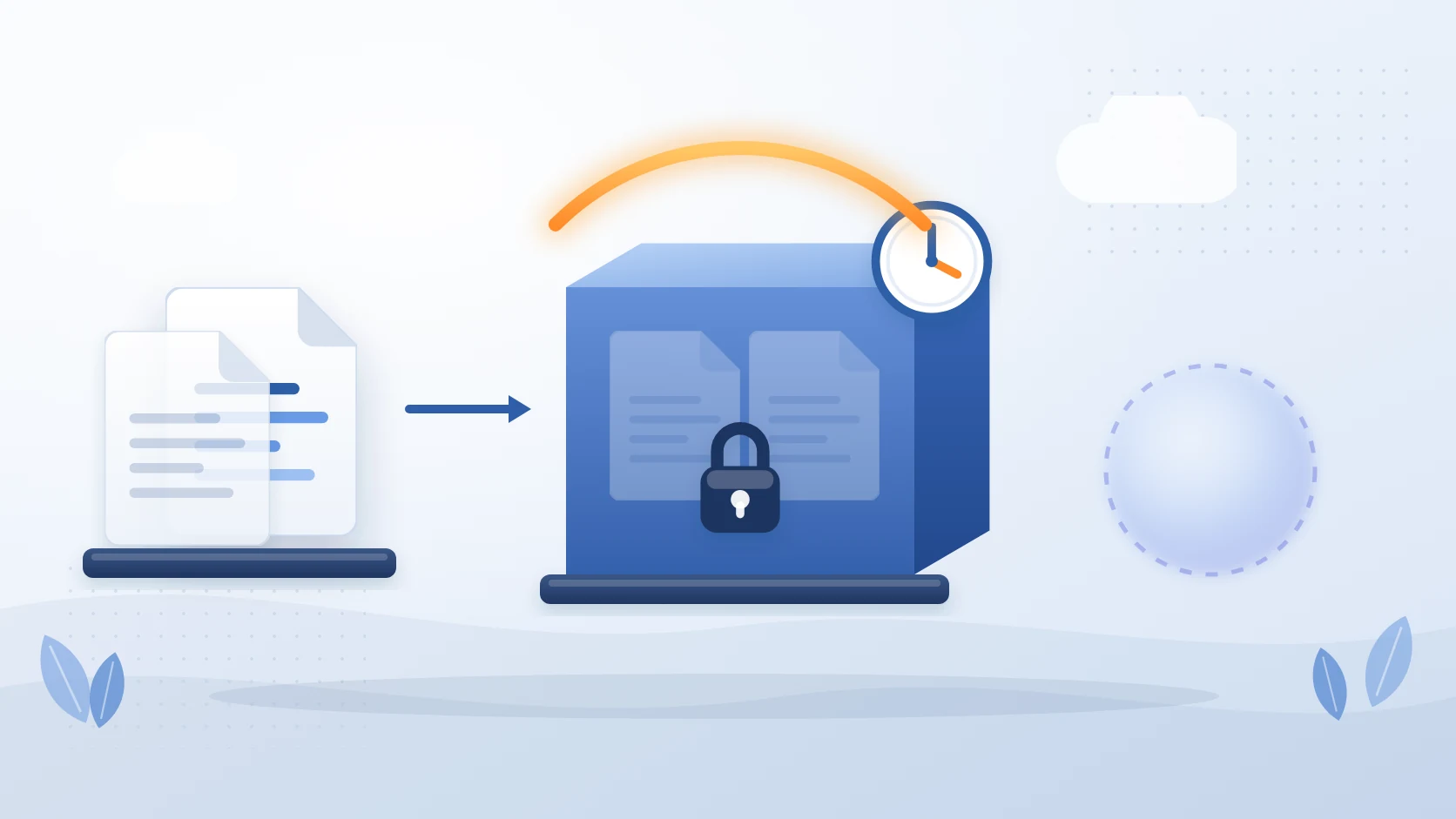
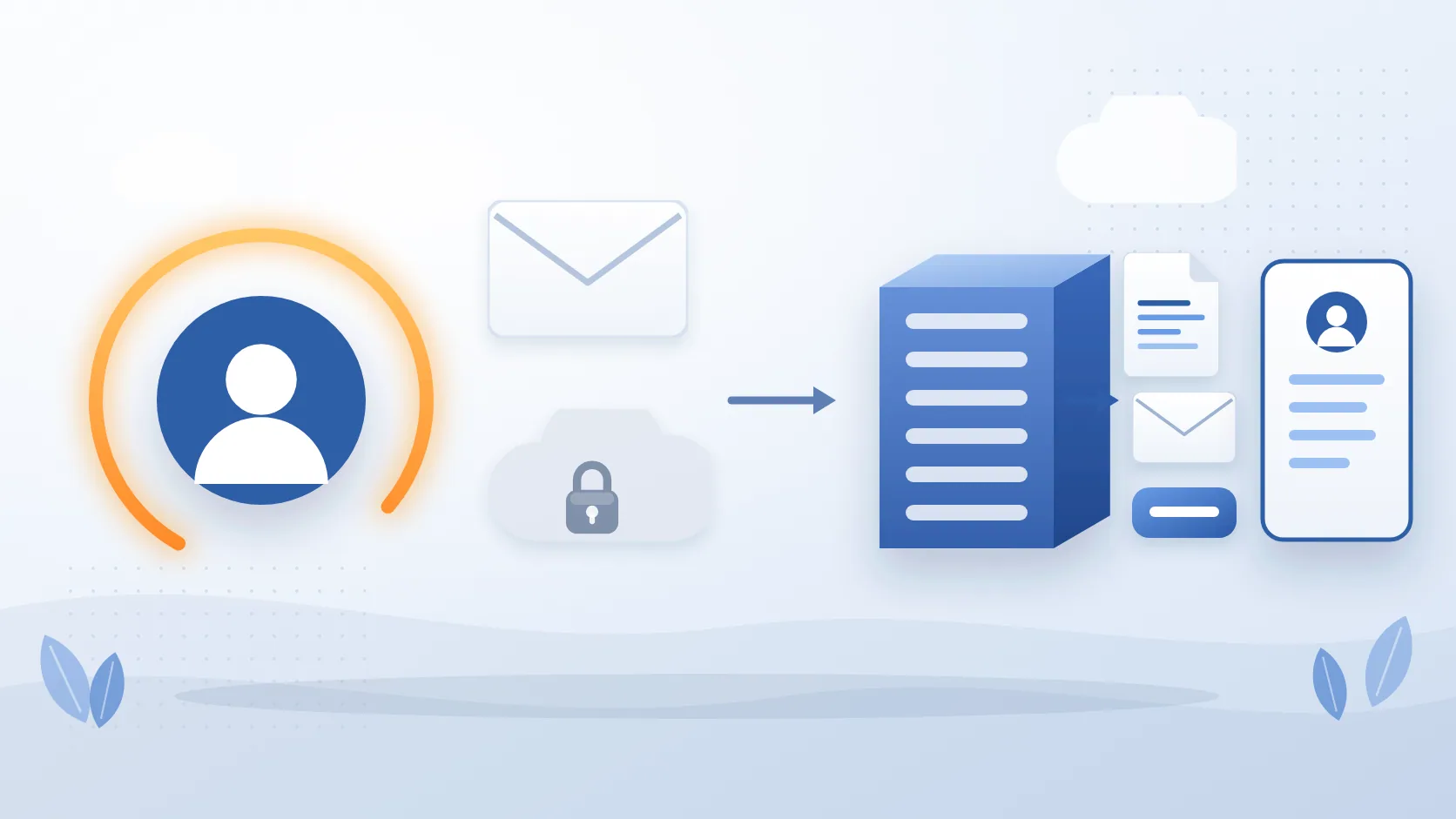
The secure way to archive SharePoint files in your own Azure tenant is to move them, not copy them: an archive that writes each file and its version history into an Azure Blob Storage account in your own subscription, leaves a stub in the library so the record is still found and restored from SharePoint, carries the Purview retention and sensitivity labels with it, keeps an audit trail of every archive and restore, and lets you apply immutable storage and your own region. That is what separates a compliant archive from a storage clean-up, and it is the standard the rest of this page applies.
SharePoint Online has become the backbone of document management for many organizations. From project files to legal contracts, HR records to financial reports, it holds critical business data that grows relentlessly.
But as usage increases, so do two unavoidable challenges:
- Escalating storage costs – Microsoft charges around $180–$200 per terabyte (TB) per month once you exceed your licensed allocation. For large tenants, that quickly becomes six figures per year.
- Tightening compliance obligations – Frameworks like GDPR, HIPAA, SOX, ISO 27001, NIST, and the Australian Essential 8 demand strict retention, defensible deletion, and auditability.
The dilemma? Simply deleting files may reduce storage bills, but it risks non-compliance. Retention policies may satisfy regulators, but they don’t stop your storage from exploding in cost.
The solution is archiving: systematically moving inactive content out of costly SharePoint storage into secure, compliant, and lower-cost storage - without losing access or auditability. This article explores SharePoint archiving best practices to achieve both compliance and cost efficiency.
Understand the Difference Between Retention and Archiving
One of the most common mistakes organizations make is assuming Microsoft’s retention features are equivalent to archiving. They are not.
Retention policies (Microsoft Purview):
These prevent documents from being deleted or altered during a specified period. For example, you can set a 7-year retention for financial files. However, those files remain in your active SharePoint environment, consuming expensive storage.
Archiving:
This is about moving older or less frequently accessed content to a different tier of storage (e.g., Azure Blob). Users may still see stubs or shortcuts in SharePoint, but the heavy lifting of storage cost is moved elsewhere. Metadata, security, and accessibility are preserved.
Example:
A construction company keeps every project’s documents for 10 years. If they rely solely on retention, those files remain live in SharePoint, pushing storage bills above $250,000 annually. With archiving, the same files are securely stored in Azure Blob at a fraction of the cost, while still being retrievable for audits or disputes.
Best practice: Use retention to ensure legal minimums are met. Use archiving to keep costs sustainable while retaining compliance. Both should work together.
Align Archiving with Compliance Requirements
Archiving decisions cannot be random; they must reflect the regulatory landscape your business operates in.
Industry frameworks and requirements:
- Financial services (SOX, SEC, APRA CPS 234 in Australia): Often mandates financial record retention for 7 years or more. Non-compliance can result in penalties and reputational damage.
- Healthcare (HIPAA): Requires health records to remain accessible, immutable, and secured for extended periods. Archiving provides a way to meet those obligations without costly live storage.
- Public sector (Essential 8, ISO 27001): Emphasizes governance, protection against accidental loss, and traceability. Archiving ensures agencies can produce records on demand.
Real risks and penalties:
- Under GDPR, improper handling of data can result in fines of up to €20M or 4% of annual global turnover.
- The SEC has fined firms millions for failing to retain communication records properly.
- In healthcare, HIPAA penalties can run up to $1.5M per year, per violation.
Best practice checklist:
- Map each compliance framework you fall under.
- Translate requirements into archiving rules (e.g., “Archive project data after 2 years of inactivity, retain for 7 years in immutable storage”).
- Document the rationale - auditors will want to see not just the process but the justification.
Create a Clear Archiving Policy
An archiving policy is more than a technical setting. It is a formal governance document that defines what, how, and why data is archived. Without it, you risk inconsistency, shadow IT, or gaps that auditors will notice.
A good archiving policy should cover:
- Scope – Define what libraries, sites, or content types are included. Example: “All completed project sites will be archived 12 months after project close.”
- Archiving rules – Define triggers such as inactivity (no edits in 24 months), age (files older than 3 years), or event-based (employee departure).
- Exemptions – Identify exceptions (e.g., files under legal hold).
- Retention length – How long archived content stays before defensible deletion (aligned with regulation).
- Access controls – Who can request or restore archived content.
- Audit process – How archiving will be verified and reported.
Example policy excerpt:
“All SharePoint documents not accessed in the past 36 months will be archived to Azure Blob storage via Squirrel. Archived files will be retained for 7 years, encrypted at rest, and logged for all access. Exceptions apply to documents under MIP label ‘Legal Hold.’ Restores must be requested via IT Service Desk.” Best practice: Publish your archiving policy in your governance documentation. Communicate it to business units so users understand that archiving is not deletion - their files remain accessible when needed.
Automate the Archiving Process
Manual archiving is not sustainable. Expecting staff to move files manually, export libraries, or classify documents invites error and inconsistency. Worse, it creates compliance blind spots.
Why automation matters:
- Consistency: Automation ensures the same rules are applied across all libraries.
- Compliance: Automated logs and policy enforcement prove due diligence.
- Scale: Organizations with millions of documents cannot rely on manual intervention.
Example without automation: A legal department instructs staff to “move files older than 3 years to a separate library.” Compliance drops because staff forget, misunderstand, or leave.
Example with automation: Squirrel applies rules automatically (e.g., archive files older than 24 months), replaces them with stubs in SharePoint, and logs every action. Compliance is achieved without staff intervention.
Best practice:
- Use metadata or MIP labels to drive archiving decisions.
- Apply idle-time rules (last modified >24 months).
- Replace files with stubs so users can still access them seamlessly.
- Ensure every archive event is logged for audit.
Ensure Secure, Auditable Storage
For compliance, archiving is not just about moving files to cheaper storage. The storage itself must be secure, auditable, and compliant.
Key requirements:
- Immutability: Archived files must be protected against tampering or deletion until their retention period ends. Azure Blob supports Write Once Read Many (WORM) options.
- Encryption: Data should be encrypted at rest and in transit. Azure provides automatic encryption with customer-managed keys.
- Audit trails: Every access or restore event should be logged and reportable.
- Accessibility: Files must remain retrievable within reasonable timeframes for eDiscovery or regulator requests.
Best practice: Use Azure Blob as the underlying storage with Squirrel providing:
- Stub file placeholders in SharePoint so users do not feel the archive gap.
- Immutable storage configurations.
- Full reporting dashboards to satisfy audits.
This ensures compliance is not compromised while achieving cost savings.
Review and Update Policies Regularly
Archiving policies cannot be “set and forget.” Regulations change, and so does your business.
Examples of change:
- GDPR interpretations continue to evolve.
- Australia’s Essential 8 maturity model has updated requirements.
- NIST releases revisions that shift compliance expectations.
Best practice:
- Conduct an annual governance review.
- Involve IT, Legal, and Compliance teams.
- Review audit logs from your archiving solution to ensure policies are being enforced.
- Adjust rules as needed (e.g., change idle time from 24 months to 18 months if storage costs spike).
Proactive reviews protect you against regulatory surprises and maintain stakeholder trust.
What a compliant SharePoint archive must preserve
Document compliance in SharePoint does not end when a file leaves the active library. Whatever archives it has to keep six things intact, and the test for each is a question to put to the vendor before anything moves.
| Must be preserved | Why it matters | The question to ask |
|---|---|---|
| Metadata and version history | A record without its author, dates and revisions is not the record an auditor asked for | Do all versions travel with the file, and come back on restore? |
| Retention and sensitivity labels | Labels are how Purview knows what to keep and what to protect | Is a labelled file archived with its label, or skipped, or stripped? |
| Holds | Content under an eDiscovery or litigation hold must not be deleted anywhere | What happens to a held file at archive time and at retention expiry? |
| An audit trail | Who archived, restored or deleted what, and when, is the evidence | Is every action logged, and can the log be exported? |
| Immutability and residency | WORM storage and a chosen region satisfy the regulator, not the vendor | Can the archive sit in an immutable tier in the region you name, in your own subscription? |
| Findability and self-service restore | A record nobody can find or retrieve without a ticket fails the request deadline | Does a stub stay in the library, and can the user restore it? |
Squirrel meets each of these: versions and metadata travel with the file and return on restore, retention and sensitivity labels are preserved through the round trip, archive and restore actions are logged, the storage account is yours to make immutable and to place in the region you choose, and the stub in the library lets any user with permission restore the original. The ten proof-of-concept tests to run in your own tenant, including deleting a stub, archiving a held file and recovering after cancellation, are on the SharePoint archiving buyers checklist.
How Squirrel Automates Compliant SharePoint Archiving
Squirrel is purpose-built for enterprise SharePoint archiving. It automates the identification and archiving of inactive documents based on your lifecycle policies, moving them from SharePoint Online to your own Azure Blob Storage account while preserving everything your compliance team needs.
Every archived document retains its original metadata, permissions, version history, and classification labels. Every archiving and restore action is logged with a full audit trail including document name, location, user, timestamp, and action taken. Archived content remains discoverable through SharePoint Search and Microsoft Copilot via Nutshell AI stub summaries. And all data is stored in your own Azure tenant - satisfying data residency requirements by design.
Squirrel is compatible with Microsoft Purview eDiscovery and legal hold processes. Documents subject to a legal hold are flagged and excluded from archiving until the hold is lifted. This means your archiving strategy works alongside your compliance framework rather than creating conflicts with it.
SharePoint Archiving Compliance Checklist
Use this checklist when evaluating or implementing a SharePoint archiving strategy for your organisation.
- Define retention periods for each document type in line with your regulatory obligations
- Confirm your archiving solution preserves metadata, permissions, and version history
- Ensure archived data is stored in a tamper-resistant, auditable format
- Confirm compatibility with Microsoft Purview legal hold and eDiscovery before deployment
- Verify data residency - archived data should remain in your chosen Azure region
- Establish a defensible deletion process for documents that have passed their retention period
- Document your archiving policy and review it annually
- Test restore processes regularly to confirm archived content is accessible when needed
- Ensure your archiving audit trail meets the requirements of your specific regulatory framework
FAQs
Q: Does SharePoint archiving satisfy GDPR requirements?
A: Yes provided the archiving solution preserves all metadata, permissions, and audit trails, stores data in a tamper-resistant format, supports data subject access requests, and allows for defensible deletion when the retention period expires. Squirrel meets all of these requirements and stores data in your own Azure tenant within your chosen region.
Q: What is the difference between Microsoft Purview retention policies and SharePoint archiving?
A: Microsoft Purview retention policies prevent documents from being deleted or altered during a specified period but keep them in expensive SharePoint Online primary storage. SharePoint archiving moves inactive documents to lower cost storage while preserving all compliance controls. The two approaches are complementary - retention policies define what must be kept, archiving determines where it is stored most cost-effectively.
Q: Can archived SharePoint documents be used in eDiscovery?
A: Yes, with one step. Squirrel works alongside Microsoft Purview, and the stub left in the library keeps the document's metadata discoverable. eDiscovery searches what is in SharePoint, so to bring an archived document's content into scope, restore it; the original returns with its versions and labels and is indexed again. Content under a hold is handled according to the hold, and Squirrel's audit trail records every archive and restore.
Q: Is it compliant to store SharePoint documents in Azure Blob Storage?
A: Yes. Azure Blob Storage supports GDPR, HIPAA, SOX, ISO 27001, and a range of other compliance frameworks. Squirrel stores archived data in your own Azure Blob Storage account within your own Azure tenant, giving your organisation full ownership and control of archived content.
Q: How long should SharePoint documents be retained?
A: Retention periods vary by document type and regulatory framework. GDPR generally requires data to be kept no longer than necessary for its original purpose. Financial records under SOX require seven years. HIPAA medical records require a minimum of six years. HR and employment records vary by jurisdiction. Your compliance team should define retention periods for each document category in line with your specific obligations.
Q: Does Squirrel support defensible deletion?
A: Yes. Squirrel’s lifecycle policies can be configured to flag documents for review or deletion when their retention period expires. All deletion actions are logged with a full audit trail, providing defensible evidence that documents were retained for the required period and deleted in accordance with policy.
Next steps
Conclusion
SharePoint archiving is no longer optional. Organizations face spiraling storage costs and tightening compliance obligations. Deletion puts compliance at risk; retention policies inflate costs. Archiving delivers the best of both worlds: regulatory alignment and financial sustainability.
Best practices include:
- Understanding the distinction between retention and archiving.
- Aligning policies with compliance frameworks.
- Documenting and communicating a clear archiving policy.
- Automating the process to eliminate errors.
- Using secure, auditable storage.
- Balancing compliance with hard cost savings.
- Reviewing policies regularly to stay aligned with evolving regulations.
With solutions like Squirrel, organizations can automate SharePoint archiving, reduce costs by 70% or more, and remain fully compliant with frameworks like GDPR, HIPAA, SOX, ISO 27001, and Essential 8.
Learn more about how Squirrel ensures compliant SharePoint archiving →
Archiving and Compliance in SharePoint doesnt have to be hard.
With Squirrel, you can reduce your SharePoint Online costs, archive to cheaper Azure Storage and remain compliant with your regulations.
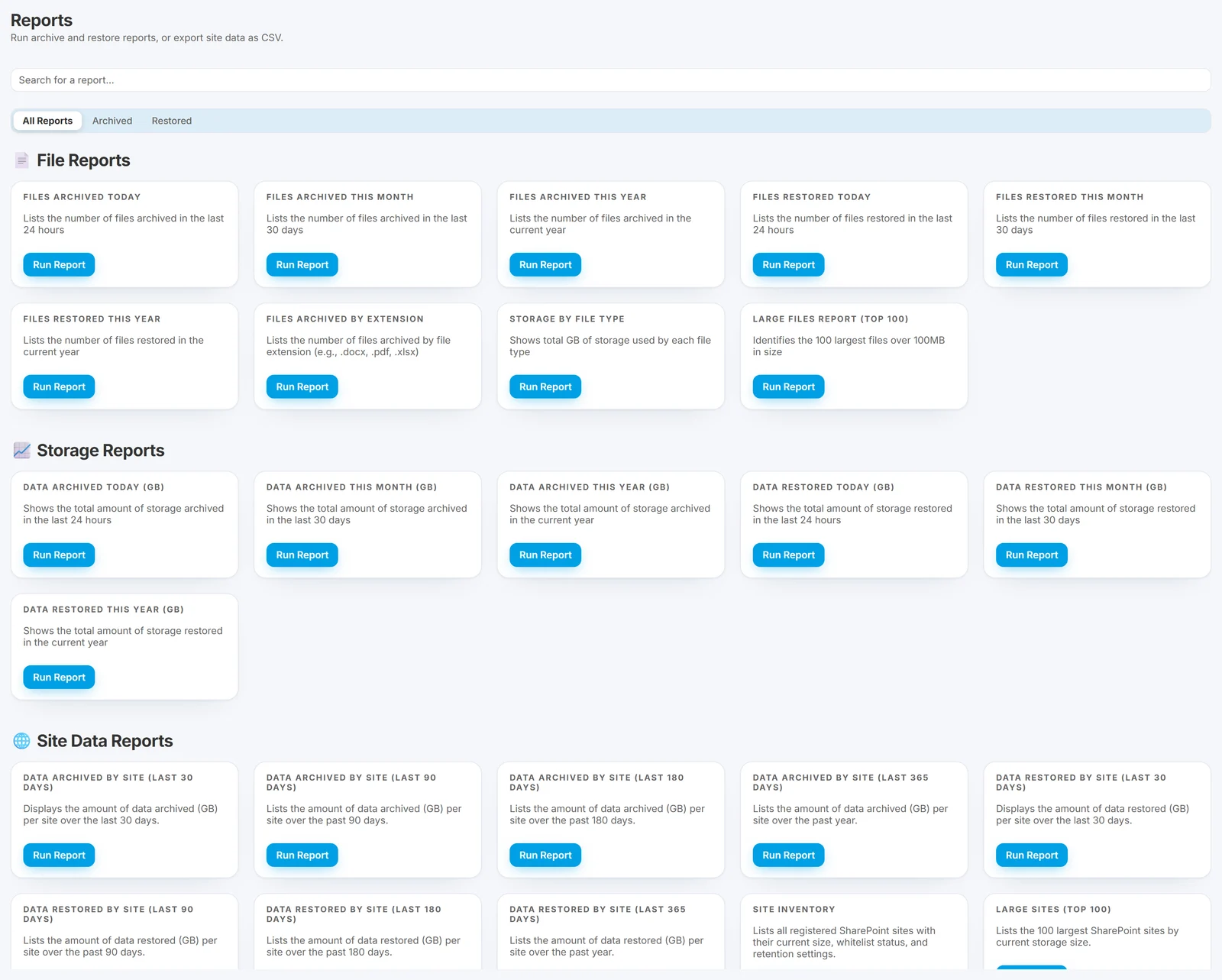
Stay compliant and archive your SharePoint Data with Squirrel
Ready To Start Reducing your SharePoint Costs?
Mark Smith co-founded SmiKar Software in 2015 and has spent the past decade helping organisations solve Microsoft 365 data management challenges. He works with the SmiKar team to build solutions for SharePoint archiving, storage optimisation, governance and compliance, supporting customers from growing businesses through to Fortune 500 enterprises.
More about SmiKar